November 11, 2022
- Updated: adds a "headquarters location" column to the vendors table.
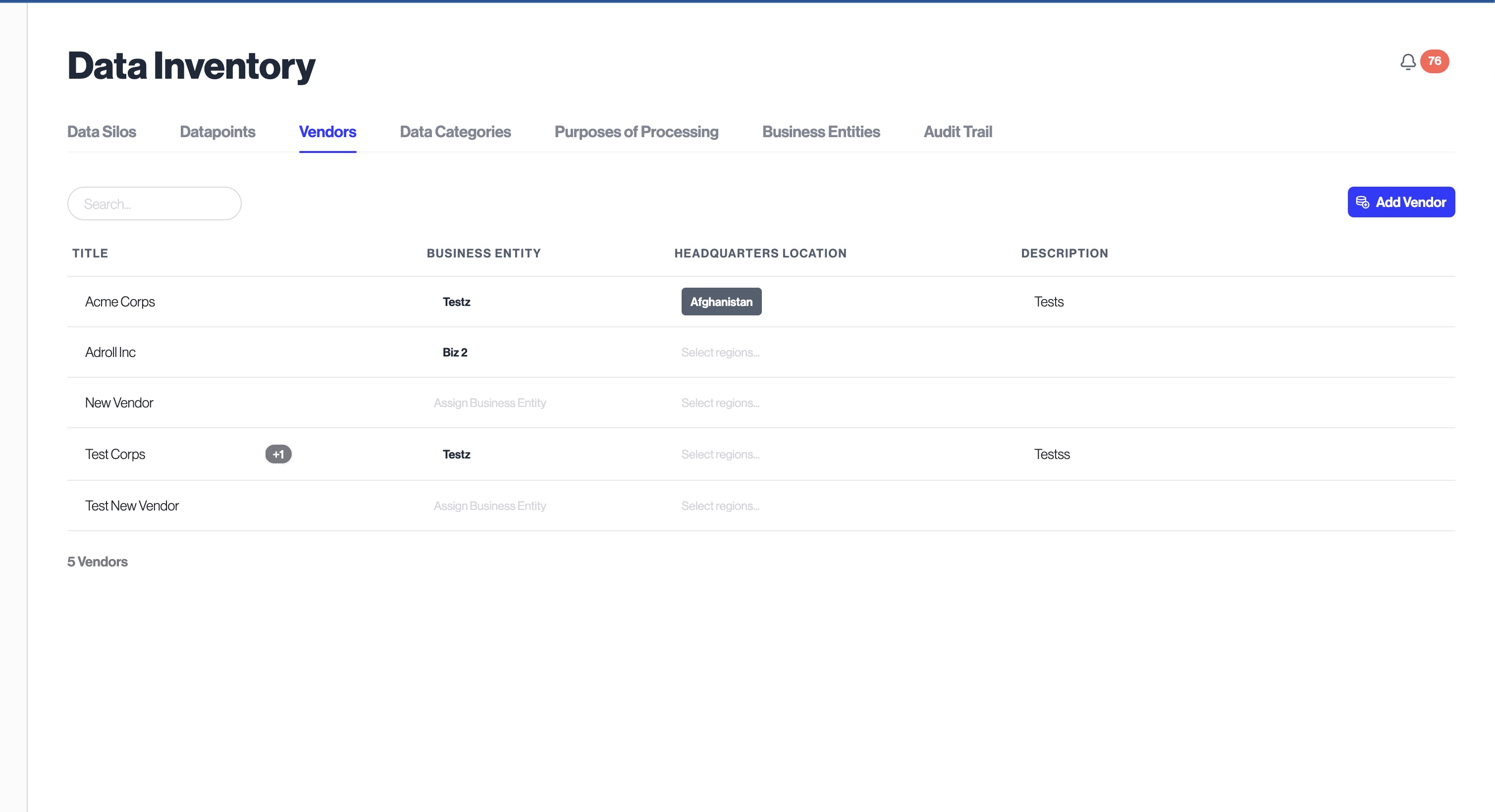
new: allows filtering Integrations > Vendors by teams
- New: allows filtering Integrations > Manage DataPoints by Teams
- Updated: its now possible to view sample data in all datapoint views.
- Updated: searching datapoints view now matches on table name.
- Updated: Adds intercom interactive support chat to the admin dasboard!
- Updated: it's now possible to edit teams and own
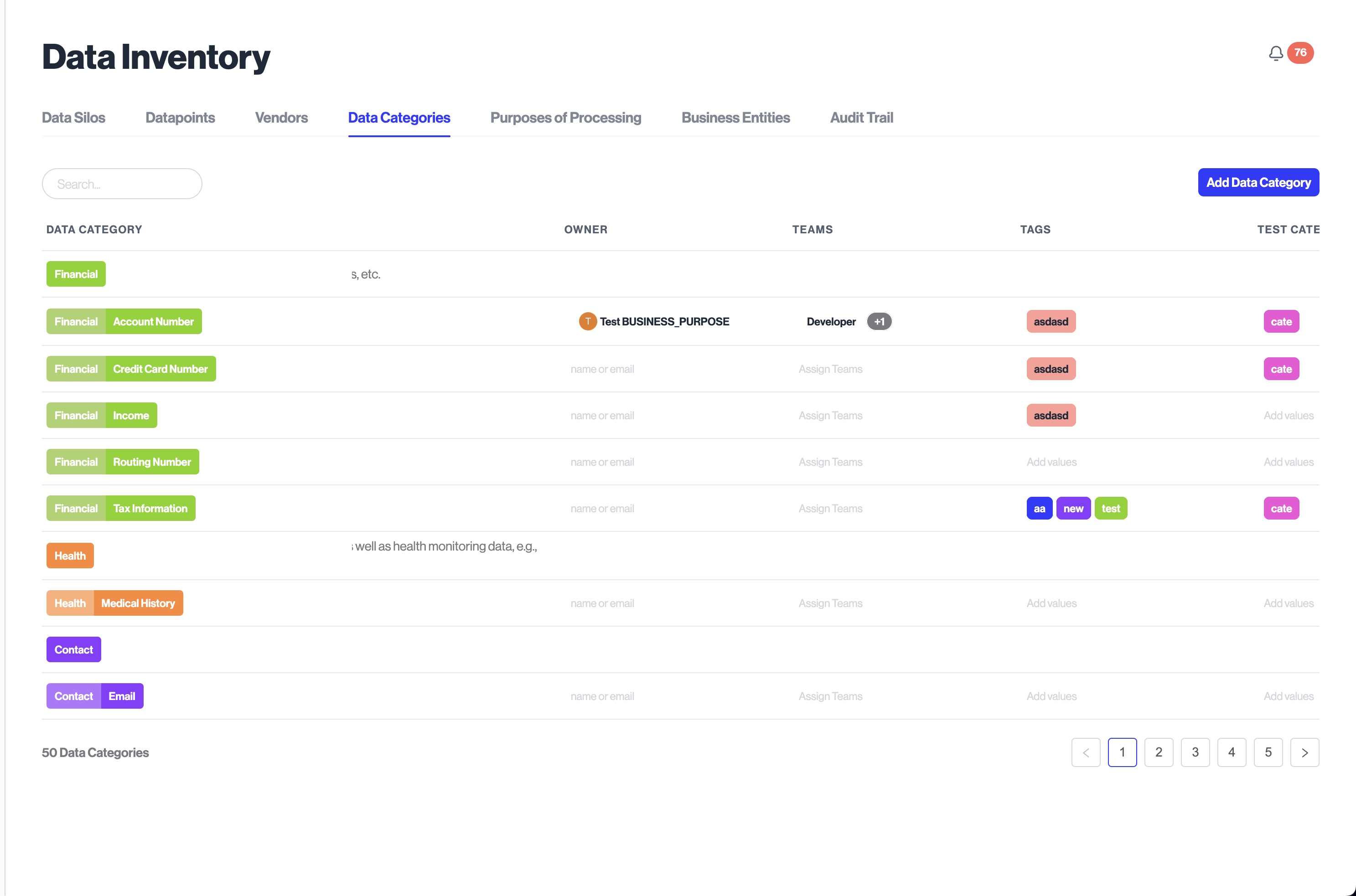
- Updated: it's now possible to edit teams and owners on the data categories table.
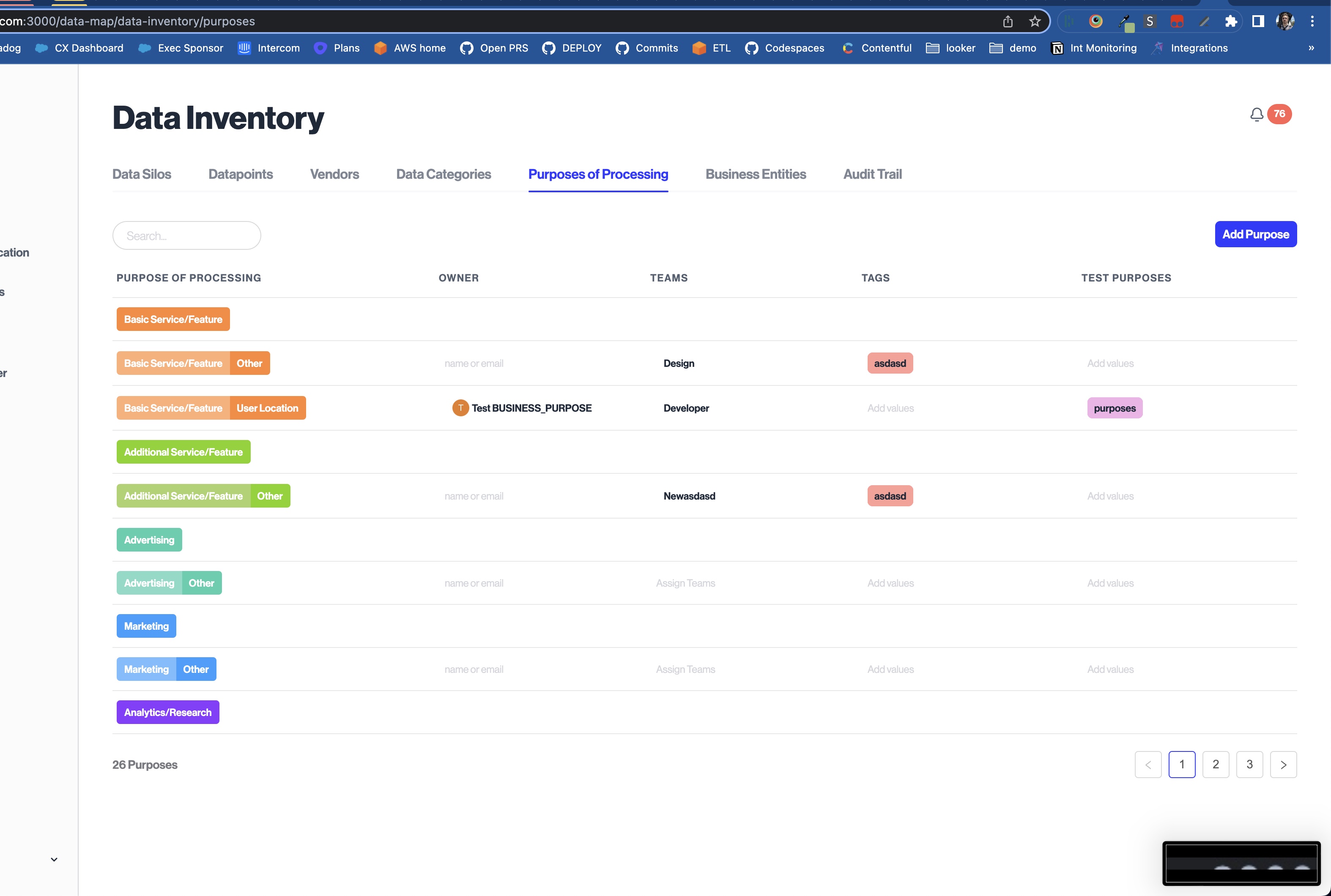
ers on the processing purposes table.
- Updated: updating DataPoint and DataSilo owners and teams under Inventory > DataPoints now refreshes all rows, instead of only the row where the update was made
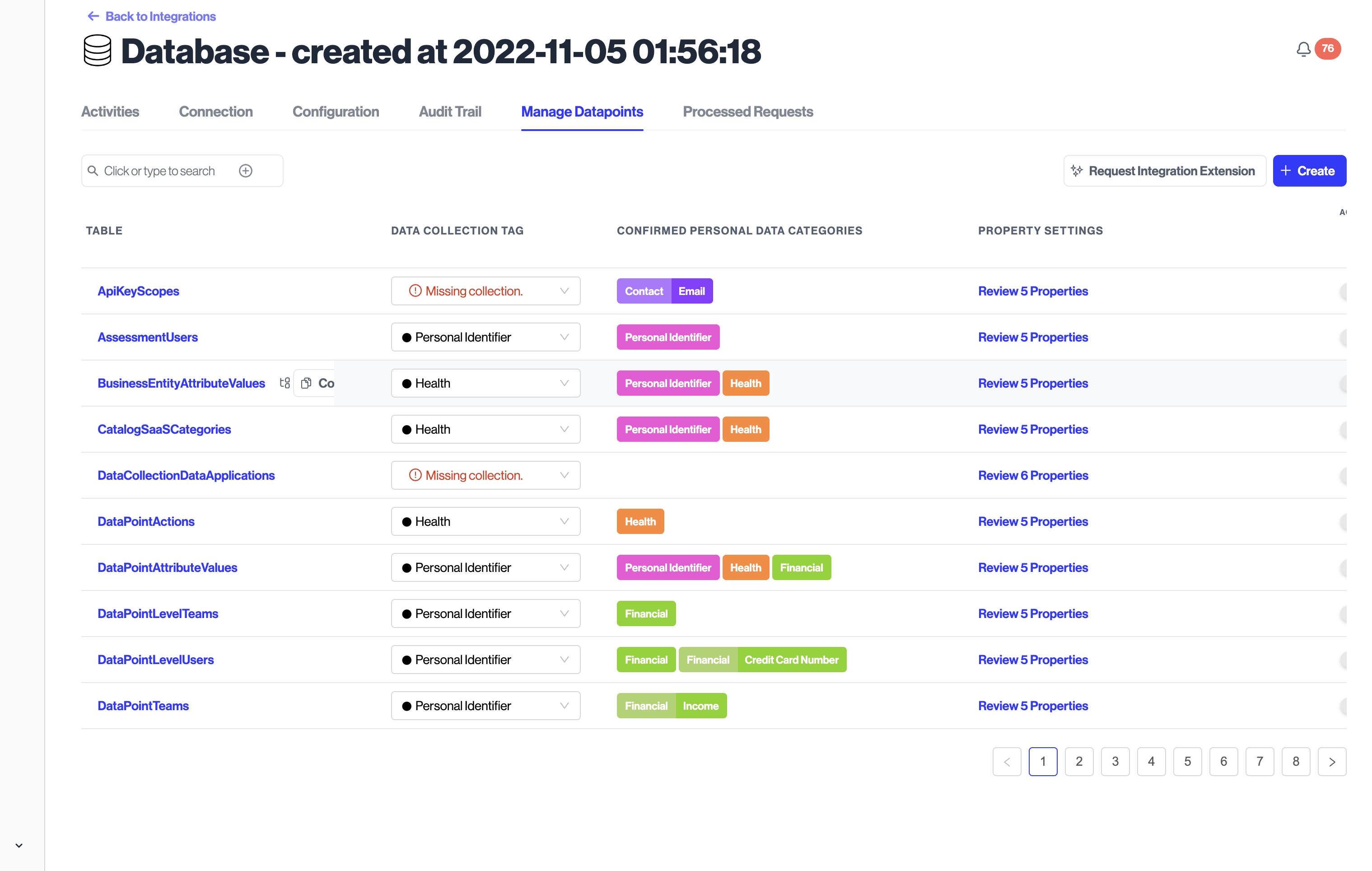
- Updated: the manage datapoints view now shows confirmed data categories for that table. This provides more context to understand which tables made need SQL statements.
- New:
- adds ability to filter by DataPoint Teams to Inventory > DataPoints view
- New:
- adds edit table buttons to the RichText under Assessments and Assessment Templates
- Fixed: adds consistent table resizing functionality throughout the Admin Dashboard.
- Updated: it's now possible to bulk edit datapoint cateogries from the Data Inventory and Structured Discovery views
- Updated: the "manage datapoints" view now shows the count of subdatapoints that have personal data labeled.
- Updated: adds a button to copy datapoint level information from the "manage datpaoints" view.
- Updated: reveals datapoint redaction settings for the database integrations.
- New:
- adds a new
dataPointTeamcolumn to the Data Inventory > DataPoints table
- adds a new