# Custom Function Creation Methods (/docs/custom-functions-overview/custom-function-usecases)
This guide walks through several ways to create custom functions.
This article covers dashboard creation. Repository authoring supports additional runtime options such as allowed hosts and third-party imports.
## Before you begin [#before-you-begin]
You will need:
- Access to [Custom Functions](https://app.transcend.io/infrastructure/functions) in the Admin Dashboard
- A single-tenant Sombra gateway
- Credentials for anything your function calls, ready to paste in as environment variables
There are three ways to add a new custom function: from the Integrations UI (recommended for DSR functions), the Custom Functions UI, and remotely from your repo.
## Integrations [#integrations]
**From Integrations**
_Note: This path is for creating DSR custom functions. If you are creating a non-DSR related custom function, syncing inbound to Preference Store, for example, use the instructions for creating from Custom Functions UI or remote._
- Navigate to [Add Integrations](https://app.transcend.io/infrastructure/integrations/new)
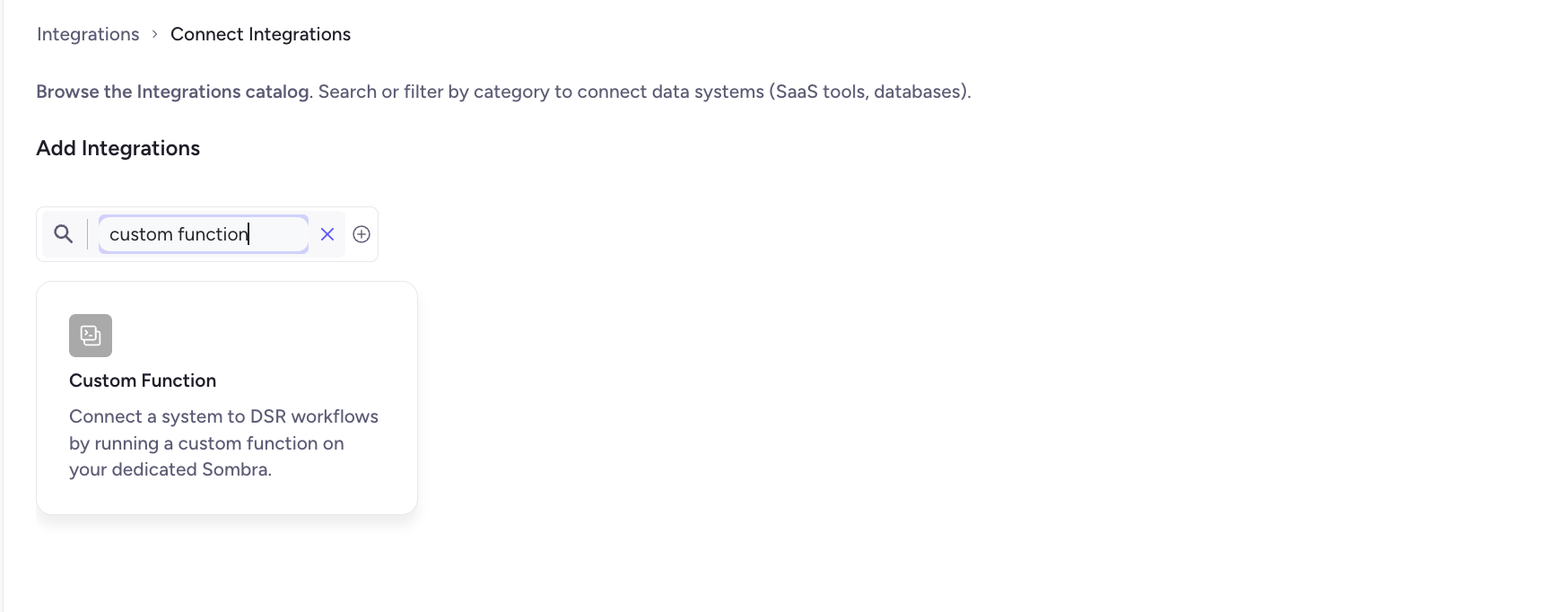
- Search for "Custom Function" integration, and select.
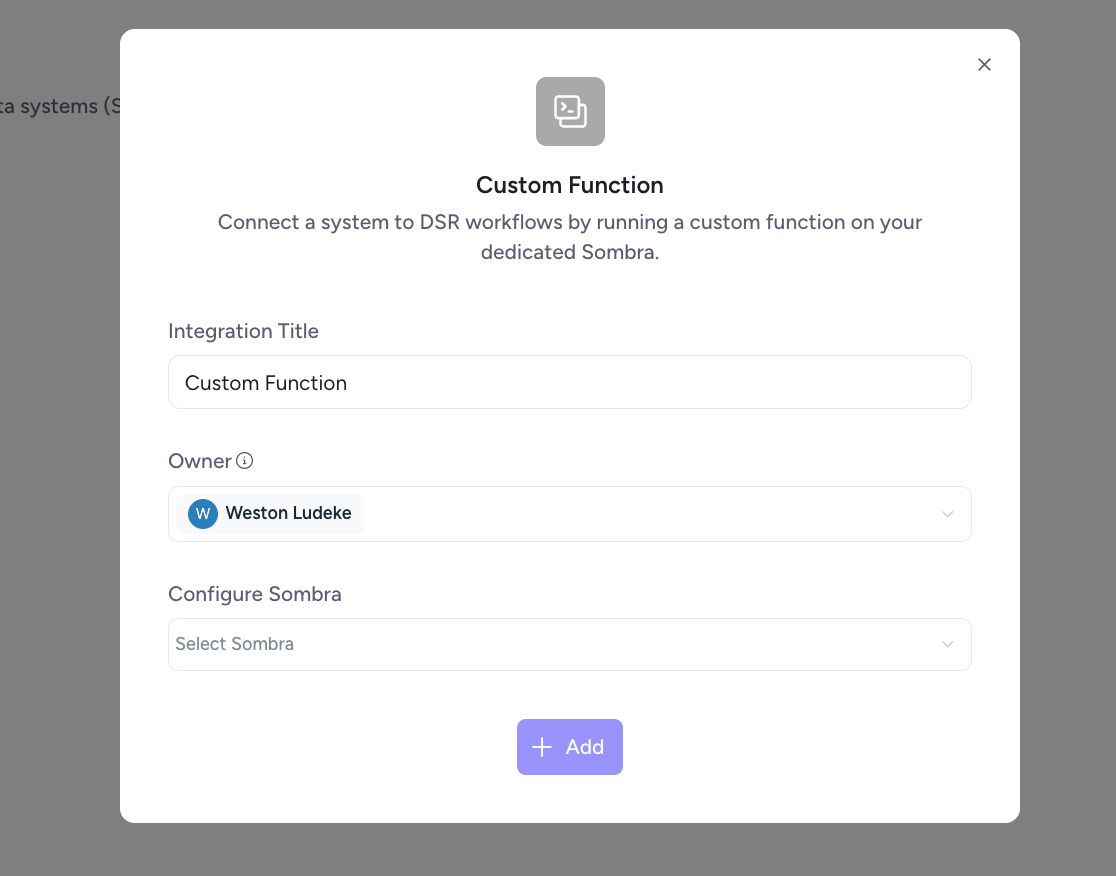
- On the modal, select a title, owner, and Sombra. Note: Custom Functions are only available for customers with Single Tenant Sombra. Click Add
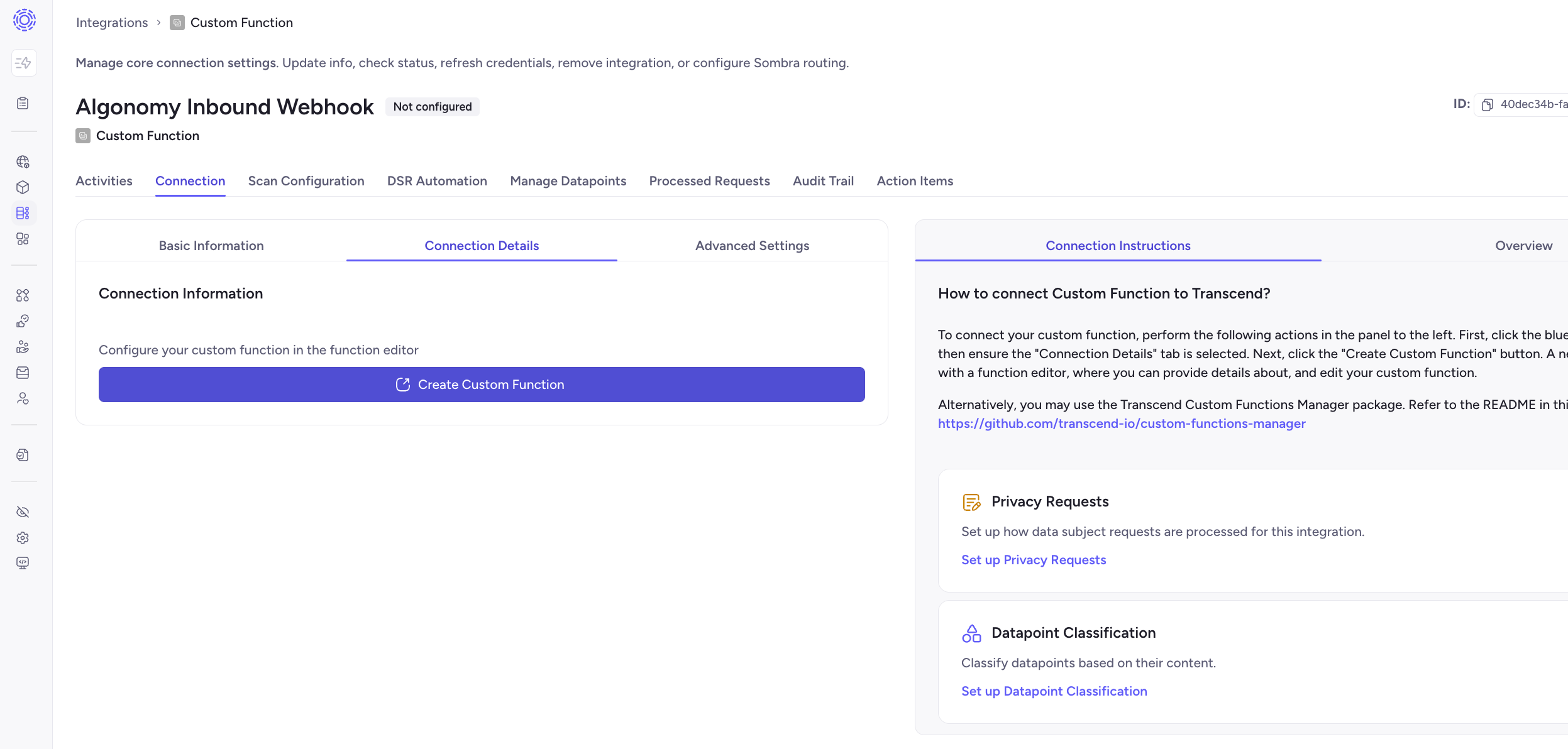
- On the Integration you have created, click "Create custom function". This will open the Custom Function Editor.
- Write your function, including a name and description, test it, then select Publish to make the version active. To keep working without going live, select Save draft.
## **Custom Functions** [#custom-functions]
- In the Admin Dashboard, go to [Custom Functions](https://app.transcend.io/infrastructure/functions) and select New function.
- In Create a custom function, choose General or DSR, then continue. DSR functions have dedicated tests for pre-flight enrichers and processing. General functions can be used for other purposes, such as custom inbound Preference Store syncs.
- For a DSR function, use Connect a system to add the data system in Integrations. The function is saved as a draft first; you can return and link the system from the System field.
- In the editor, fill in Details (name, description, owners) and write your code. Environment variables and secrets are set in Environment Variables. Run a successful test, then select Publish to make the version active. To keep working without going live, select Save draft.
## Create and push from your repo or CI [#create-and-push-from-your-repo-or-ci]
Write Custom Functions in your own repository when you want git review and CI deploys. Transcend never reads your repo.
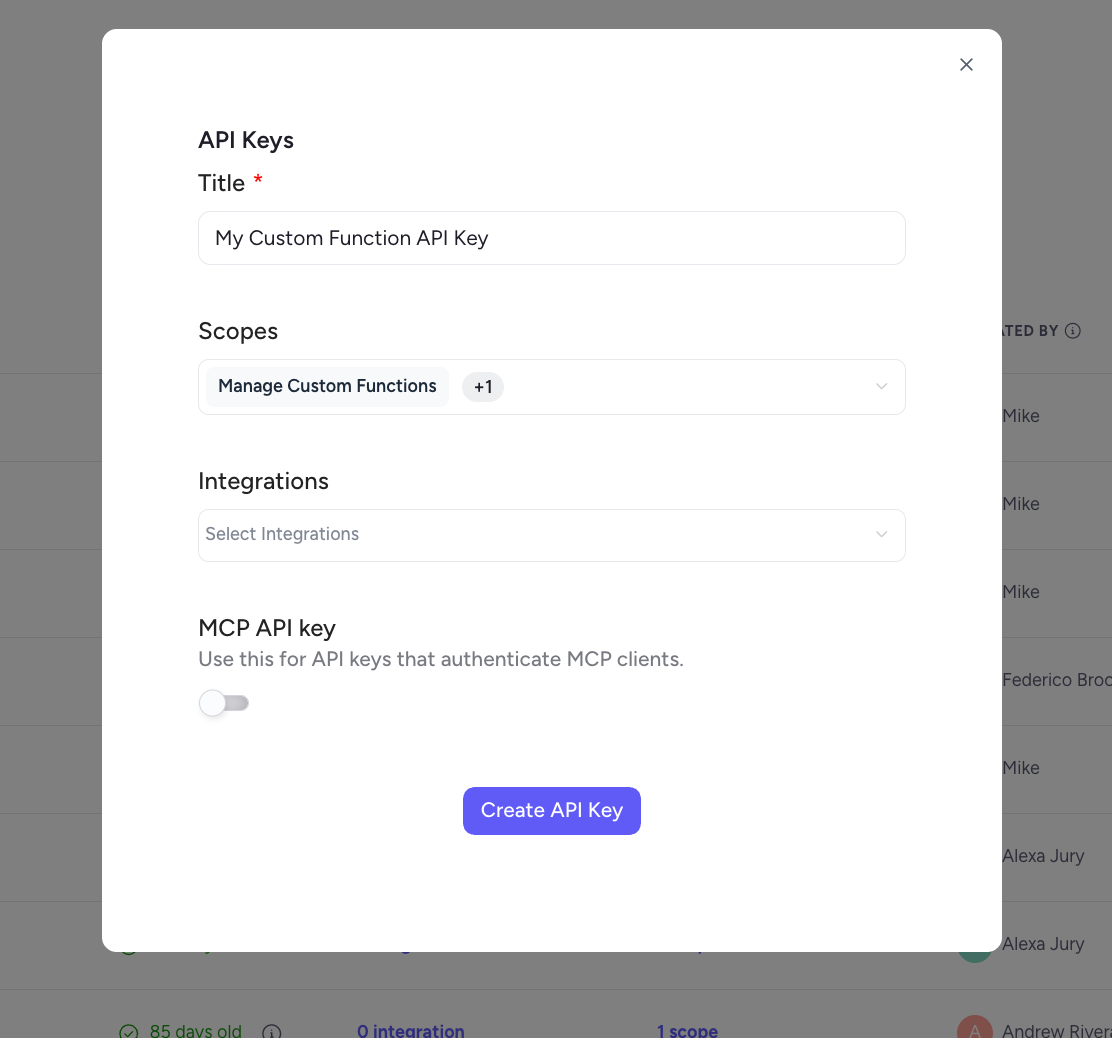
- Under **Developer Tools** → **API Keys**, create a key with **View Custom Functions** and **Manage Custom Functions**. Store your Sombra internal key alongside it.
- Add `@transcend-io/cli` and a `transcend-functions.yml` manifest to the repository.
- Push with `transcend custom-functions push`, or add the [custom-functions-manager](https://github.com/transcend-io/custom-functions-manager) GitHub Action to CI.