# Google Firebase Integration Connection Guide (/docs/integrations/google/firebase-integration)
## Overview [#overview]
Transcend maintains an integration for Firebase Cloud Firestore that supports Structured Discovery (Schema Discovery and Content Classification), allowing you to:
- Scan your database to identify datapoint and subdatapoints that contain personal information
- Programmatically classify the data category and processing purpose of datapoints
Note: DSR Automation is not yet supported for Cloud Firestore.
## Connecting a Firebase Cloud Firestore Project [#connecting-a-firebase-cloud-firestore-project]
The first step to connecting Firebase to Transcend is to add a Firebase integration.
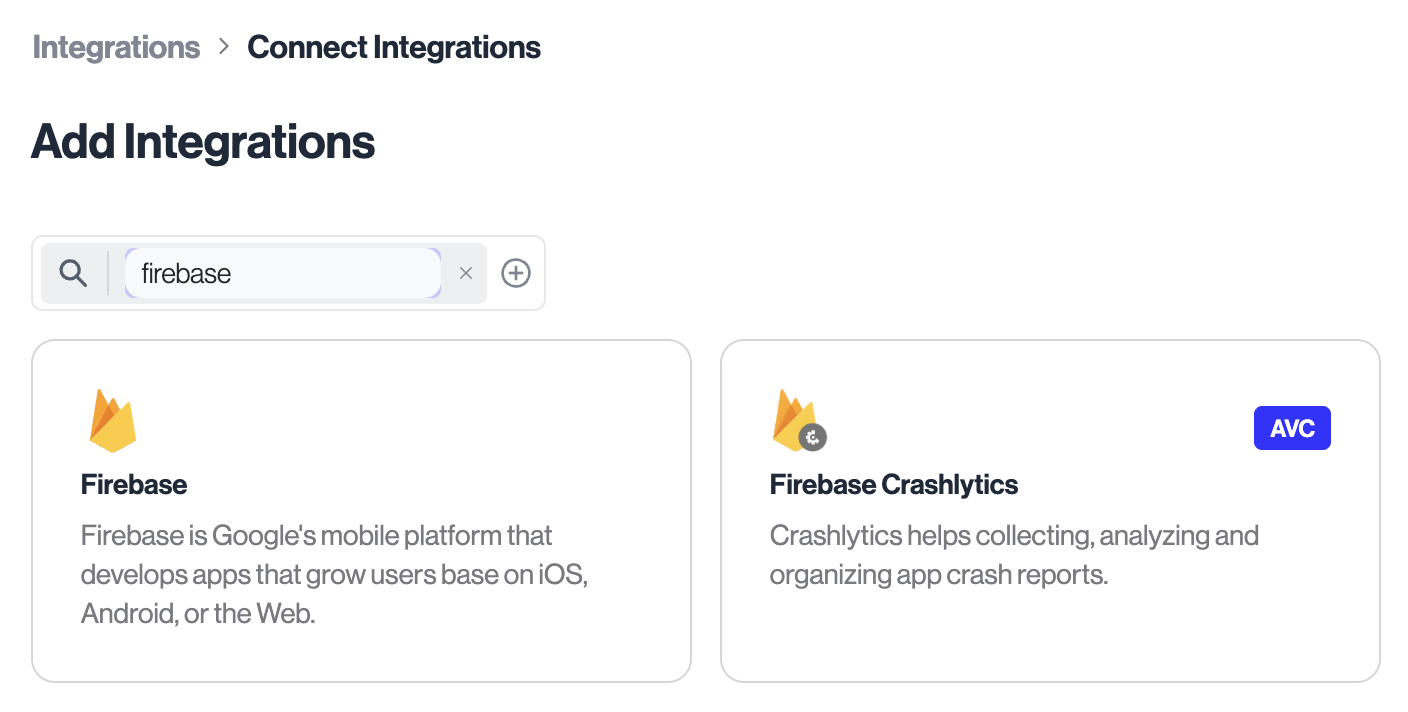
1. In Transcend, navigate to Infrastructure > Integrations and add the Firebase integration (use filter to search if desired.)
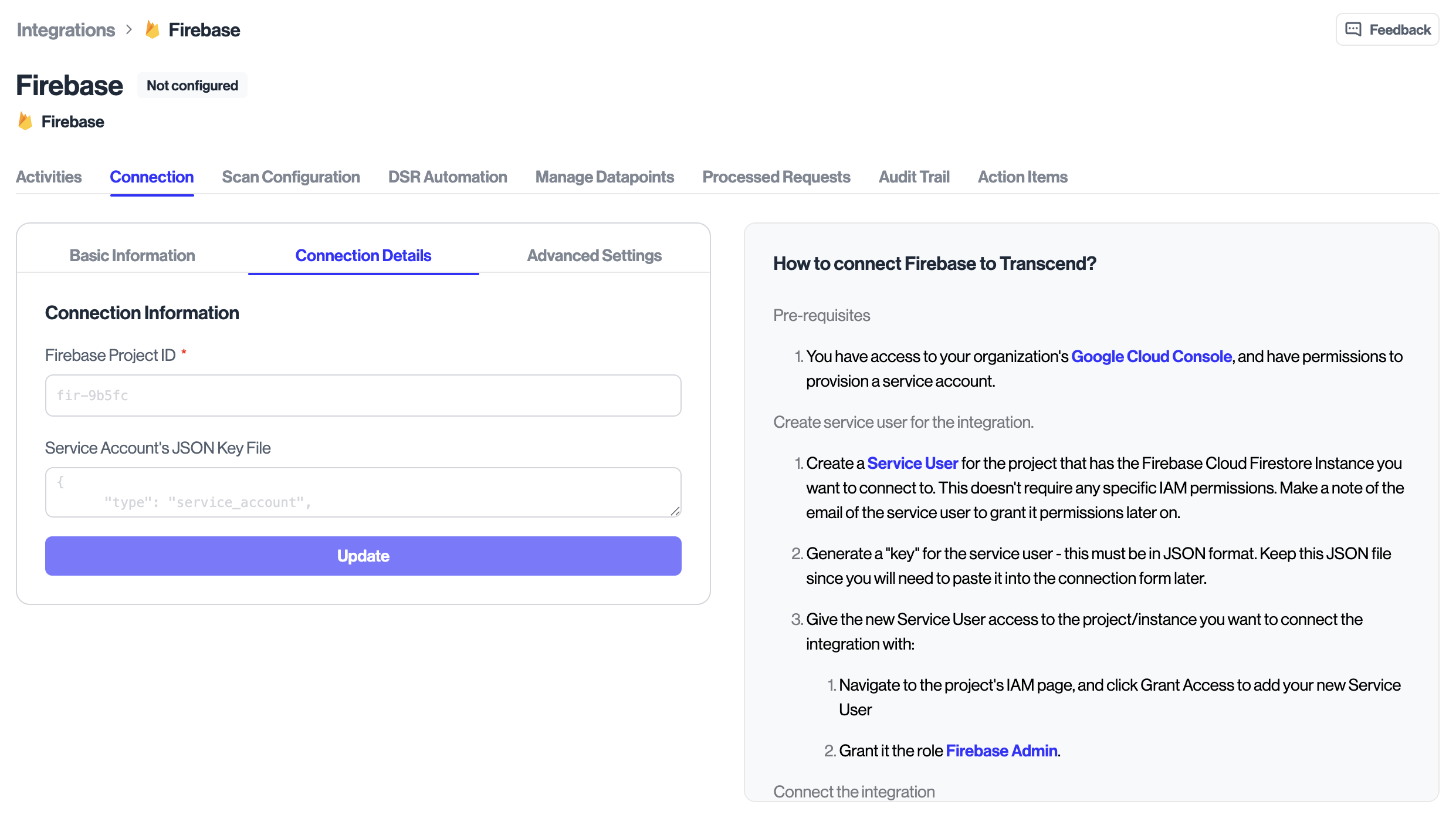
2. In the Connection form, provide the following:
- projectId (required): Your Firebase project ID
- Service Account JSON (optional): Paste the full service account key JSON. If your organization already configures Sombra credentials, you may not need to paste a key.
3. Select Connect.
### How authentication works [#how-authentication-works]
Transcend uses OAuth via Sombra to obtain an access token with the Datastore scope and then calls the Firestore REST API using that token.
- Scope: `https://www.googleapis.com/auth/datastore`
- Headers: Authorization: Bearer \
### Required IAM permissions [#required-iam-permissions]
Assign the service account the following role on the project to enable read-only discovery operations:
- roles/datastore.viewer
This role allows the integration to enumerate databases and collections, page through documents, and read fields.
### Networking considerations [#networking-considerations]
Ensure outbound HTTPS egress to the following endpoints:
- oauth2.googleapis.com
- accounts.google.com
- firestore.googleapis.com
If your environment uses VPC Service Controls or other egress restrictions, allowlist these domains or provide an egress path to Google APIs.
### Firestore modes [#firestore-modes]
The integration uses the Firestore REST v1 API for read-only discovery. Projects must have Cloud Firestore enabled.
## Additional Guides [#additional-guides]
- [Firebase Plugins Configuration](./firebase-plugins-configuration.mdx)