# Platform Concepts (/docs/overview/concepts)
This guide describes Transcend's data model. The _Anatomy of Personal Data_ focuses on the way data is physically stored in your organization, which is relevant to our Data Privacy Infrastructure.
The fields below describe the concepts relevant to retrieving personal data across your data systems. These concepts are reflected in the **Infrastructure > Integrations** and **Data Inventory** sections of your Admin Dashboard.
## How Transcend maps your data [#how-transcend-maps-your-data]
### Data Systems [#data-systems]
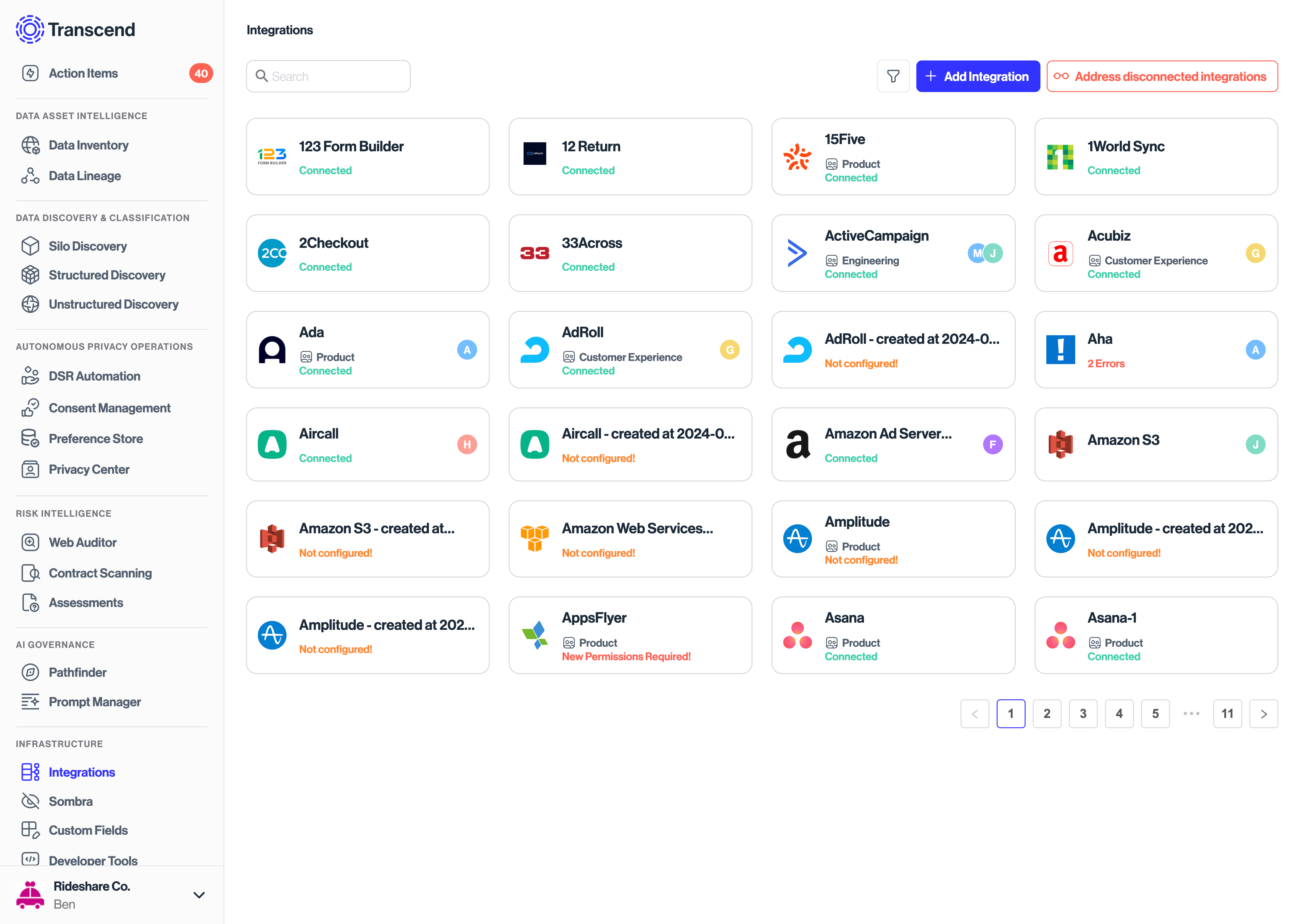
Your business has a set of **data systems**. These are typically corporate data systems, but more generally, they are any place where personal data is stored. A system can be a database, SaaS tool, or any arbitrary data-storage location.
You can add data systems through the [Data Inventory →](https://app.transcend.io/infrastructure/integrations), and you can connect to data systems [as integrations →](https://app.transcend.io/infrastructure/integrations).
### Datapoints/Objects [#datapointsobjects]
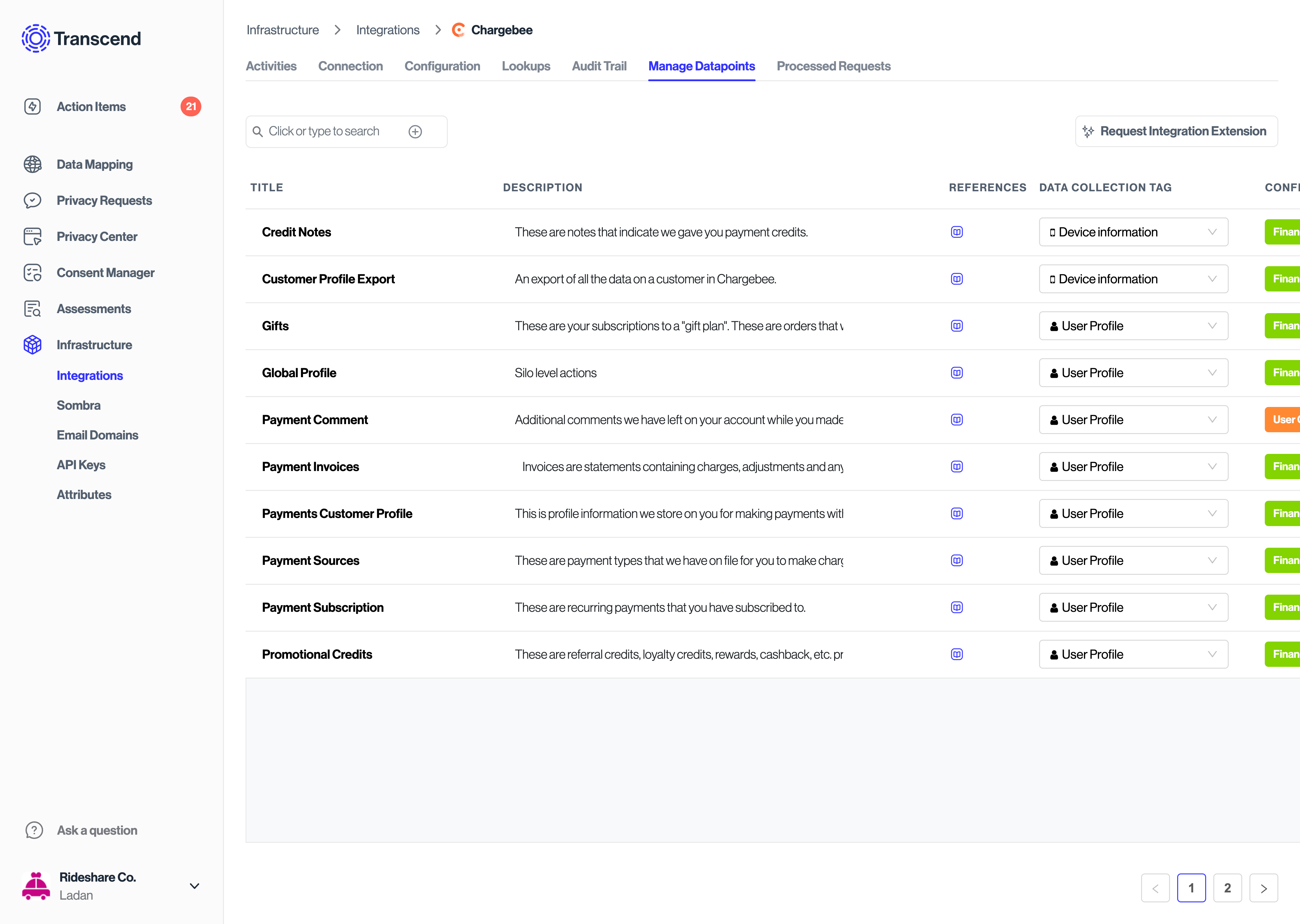
A **data system** contains a set of **datapoints**, which are labeled fields of data. _(e.g. an integration with HR data may contain the datapoints: Resume, GPA, Education)_.
We allow you to configure which datapoints are incorporated in an access request, erasure request, or any other [data action](../dsr-automation/configuring-requests/data-subject-requests.mdx#data-actions).
In the context of...
- _A third party SaaS tool_: one **datapoint** is usually the response of one API endpoint.
- _A database_: one **datapoint** is usually one column or the result of a table join
- _Filing cabinet_: one **datapoint** is one file (or zip of files) that is expected to be uploaded
## How Transcend operates on your data [#how-transcend-operates-on-your-data]
Transcend can also operate on personal data across your data systems. When this is the case, the following concepts are introduced:
### Files [#files]
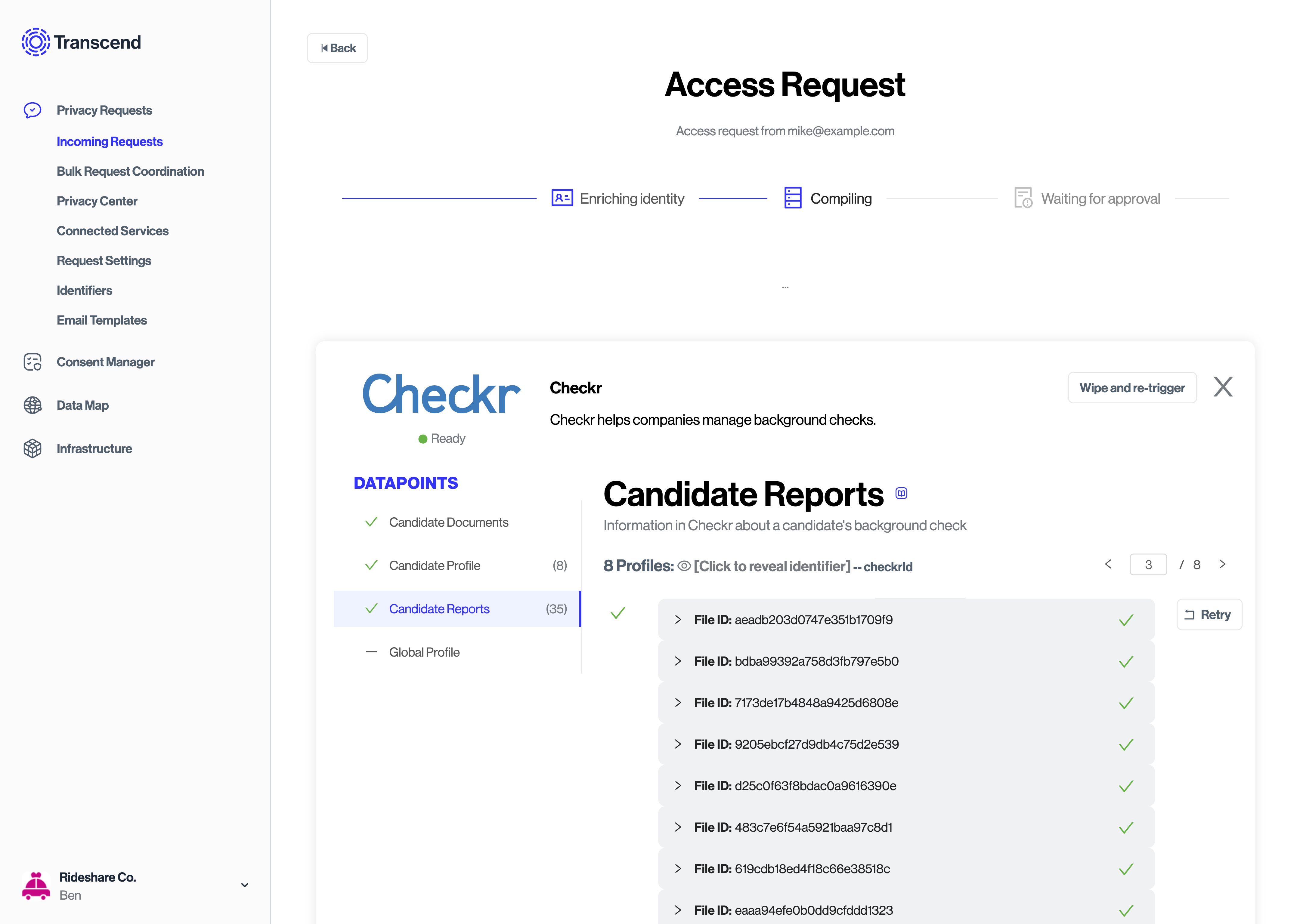
When responding to a data subject request, a **file** is uploaded under each **datapoint**. A **file** can be an actual file or any other type of data, like a number or boolean value. In other words, a **file** is an instance of a **datapoint**. These are encrypted, but you can decrypt the file contents for your inspection if you have the appropriate permissions.
### Profiles [#profiles]
Sometimes, a **integration** will have multiple entries for one person (for example, somebody has multiple accounts). So, a **integration** has the concept of a **profile**. When there are multiple profiles found for a person in a given integration, multiple profiles may be uploaded to Transcend during a data subject request. Each profile contains a collection of **files**, and is uniquely keyed by a `profile_id` (such as a username).
In the context of...
- _A database_: you may have a "users" table, keyed with a `profile_id` such as "username" or "email" or some other unique key.
- _A SaaS tool_: (for example) [Shopify](https://transcend.io/integration/shopify) collects shopper data on a model called "customers" that has a Shopify-specific unique shopper "id".
### Identifiers [#identifiers]
How do you look up a data subject? The primary keys to find a data subject are called **identifiers**. These are values that can be used to deterministically look up data for a specific person. These identifiers _must_ be a 1:1 mapping of identifier value to Data Subject. For example, you should not have a "userId" that maps to two different Data Subjects. In the future, we plan to support non-deterministic keys to someone's identity (i.e. a person's name is not always a direct lookup).
You can manage your organization's "Identifier Keys" in the [Request Settings →](https://app.transcend.io/privacy-requests/settings) tab.
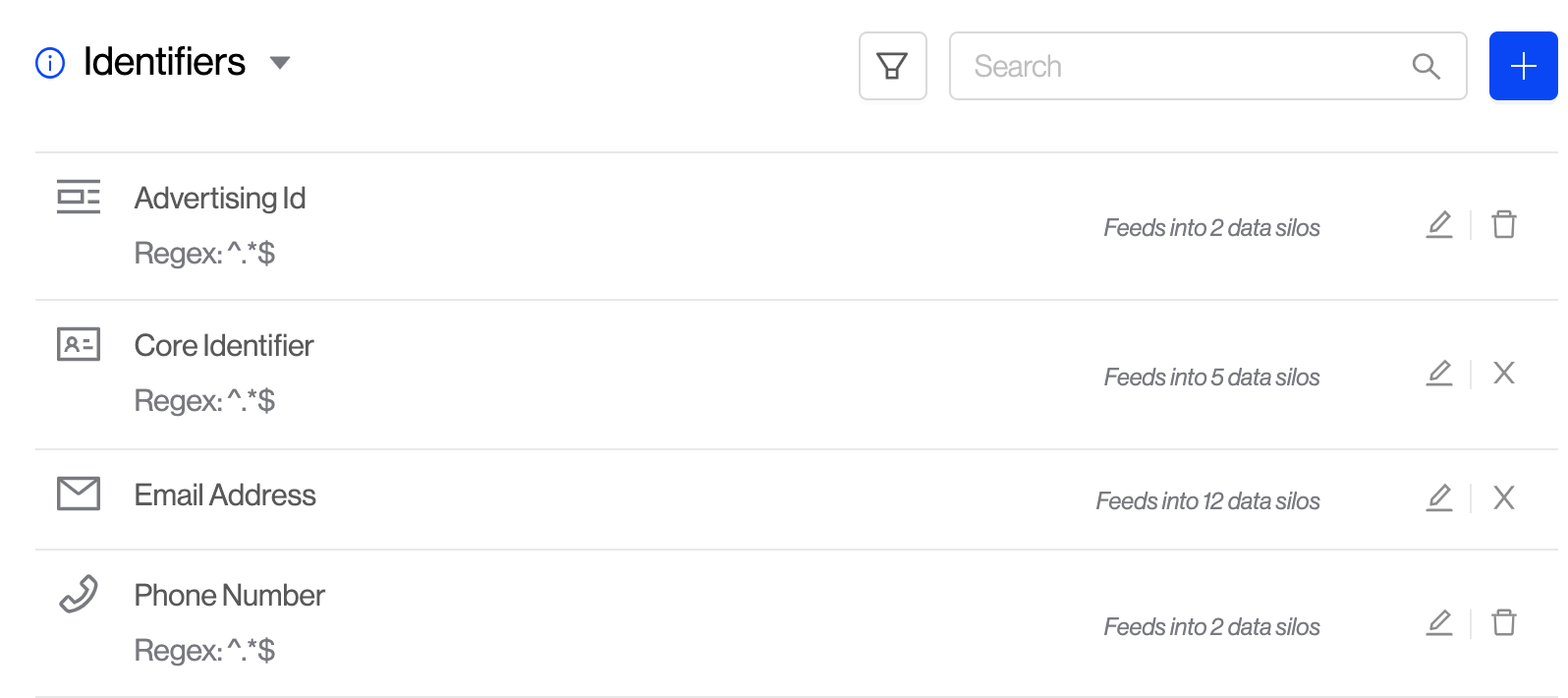
When a new data subject request comes in, Transcend will [verify](../dsr-automation/api-integration/identity-verification.mdx) that the data subject owns each **identifier**.
Some integrations will require different information to look up a data subject. For example, Shopify can lookup a data subject by their "email", but Shopify cannot lookup someone by your organization's native "userId". Transcend can [enrich](../dsr-automation/api-integration/identity-enrichment.mdx) the provided identifiers to get a complete identity picture. This makes it possible for any **integration** to find a Data Subject with the primary keys it needs.
Some identifiers we currently support are:
#### Email [#email]
Transcend can find a specific data subject by their email address. This is a commonly used identity key (**identifier**) in SaaS tools. Transcend has the ability to verify email ownership by sending that email a verification link. The data subject will need to click on that link to verify they own the inbox and want their request to be processed.
Transcend also allows your organization to verify emails in your own manner. You can do this using [Identity Enrichment](../dsr-automation/api-integration/identity-enrichment.mdx) or by using our [DSR Submission API](../dsr-automation/api-integration/using-the-api-for-data-subject-requests.mdx)
#### Google Profile ID [#google-profile-id]
If you use any of Google's products to process personal data (i.e., Google Analytics), they require a concept of a [Google Profile Id](https://developers.google.com/analytics/devguides/config/mgmt/v3/mgmtReference/management/profiles/get) which you can define native to your own organization. In the case of Google Analytics, you can erase a Data Subject's data by their `googleProfileId`.
Since this is custom to each implementation, in order for us to propagate requests to Google systems, you will have to either provide this value with the [DSR Submission API](../dsr-automation/api-integration/using-the-api-for-data-subject-requests.mdx) or by using [Identity Enrichment](../dsr-automation/api-integration/identity-enrichment.mdx).
#### Custom [#custom]
For all other custom identity keys that your organization uses, our `custom` identifier type is a catch-all which allows you to define any **identifier**. Some classic examples of these are `username` or `userId`.
**Security Tip: Sign and verify identifiers with JWTs**
Every time we verify an email, we will create a JWT that you can verify against when we notify your servers. This is our way of attesting that we verified a Data Subject to have access to an email inbox.
When you submit identifiers using the [New DSR API](../dsr-automation/api-integration/using-the-api-for-data-subject-requests.mdx#submit-a-dsr) or during [Identity Enrichment](../dsr-automation/api-integration/identity-enrichment.mdx), we recommend that you also sign these identifiers so that you can be certain that your integrations only trust identifiers that your internal authentication service has verified. In fact, if you only use identifiers that your systems have signed, you don't have to trust Transcend at all.
### Core Identifier [#core-identifier]
The core identifier is a unique user ID derived from authentication. This may be an email or any arbitrary user ID of the data subject. It must be:
- **Verifiable** - It can be verified through an identity verification (authentication) flow.
- **Unique** - It relates to only one data subject.
- **Immutable** - It is unchanging and always relates to only one data subject. For example, if a username can be changed in your platform, it may be an unsafe operation to search for data by username. An unchanging user ID is a better option.