# Self-Serve Data Subject Requests (/docs/privacy-center/privacy-center-for-dsrs/receiving-data-subject-requests)
Using the Privacy Center, you can direct your data subjects to authenticate themselves and submit data subject requests.
## Submitting a request [#submitting-a-request]
Your Privacy Center has a "Make a Privacy Request" button where the data subject can select what type of request they would like to make.
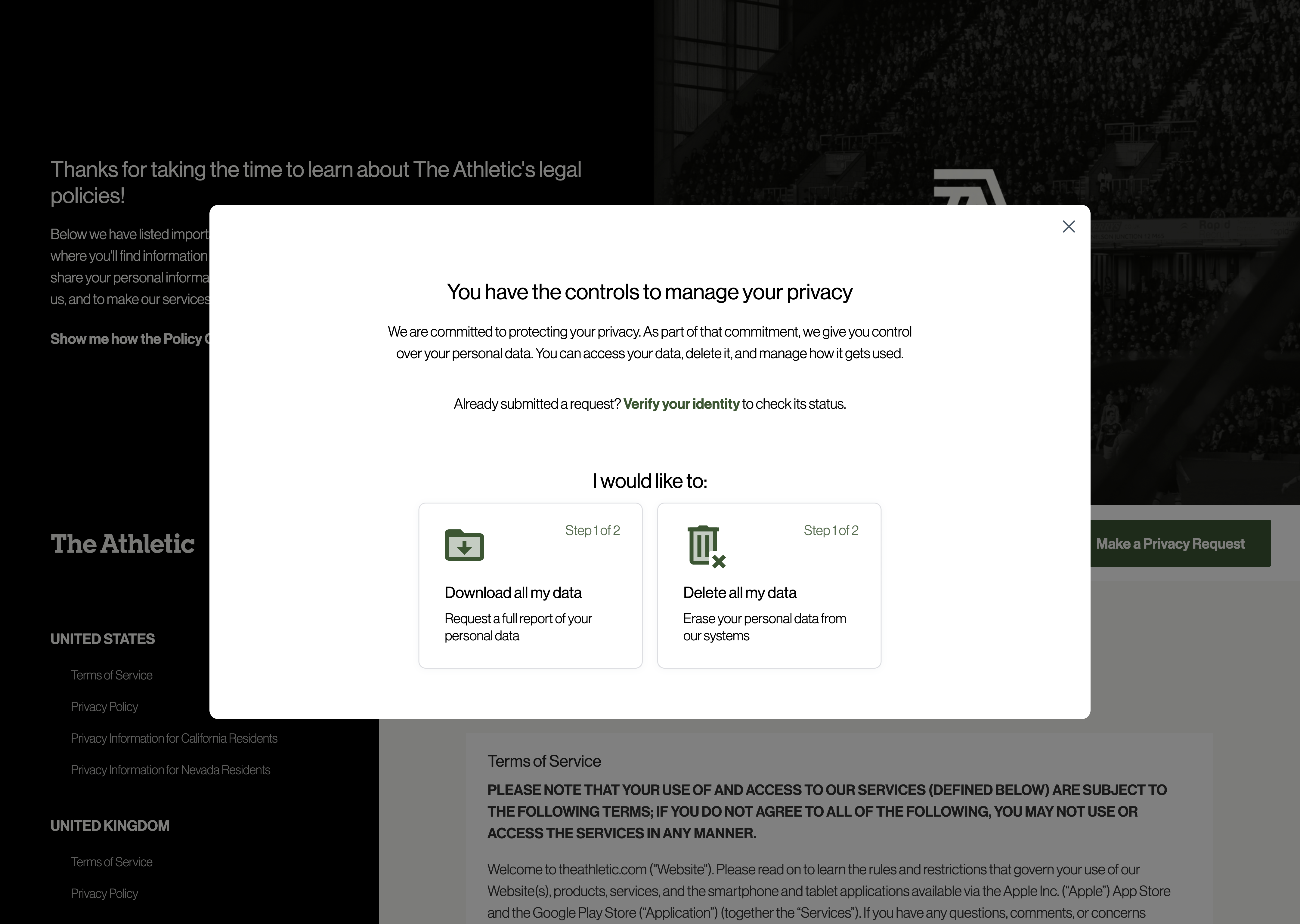
You can configure different [verification methods](../configuration-and-publishing/identity-verification-concept.mdx) in order to verify the identity of the individual making the request. Read more about configuration options in the [data subjects and data actions](../../dsr-automation/configuring-requests/data-subject-requests.mdx) section.
### There are multiple ways to receive Data Subject Requests [#there-are-multiple-ways-to-receive-data-subject-requests]
In addition to the self serve Privacy Center, you can also submit requests programmatically [through our API](../../dsr-automation/api-integration/using-the-api-for-data-subject-requests.mdx#submit-a-dsr), or an administrator can do so [manually on the Admin Dashboard](../../dsr-automation/processing-requests/submission.mdx).
If you want to allow someone to submit a request on behalf of a data subject, see [Authorized Agent Requests](../../index.mdx).
## Email updates [#email-updates]
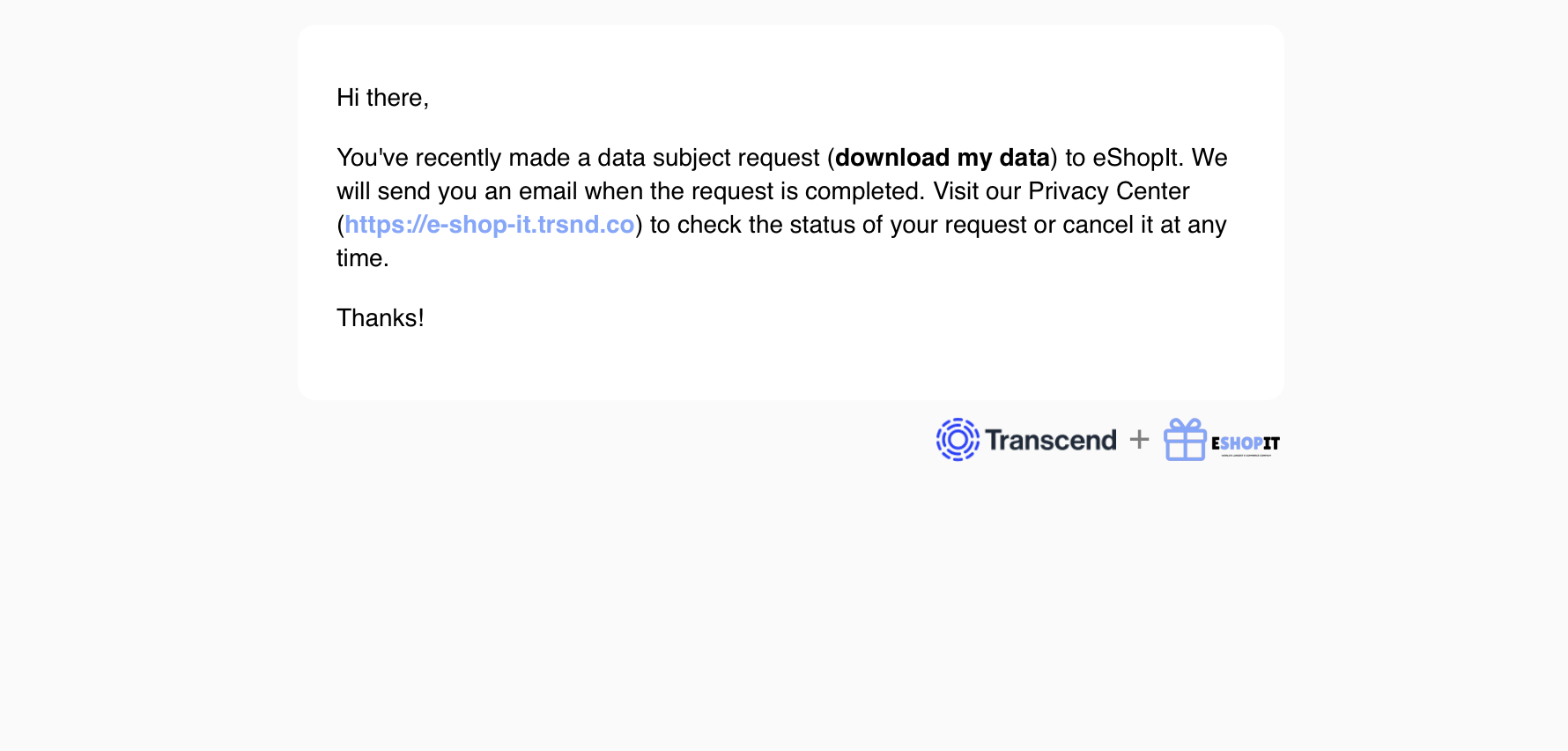
The data subject will receive a confirmation email when they submit a request. As the request is processed, the data subject can receive transactional emails about the progress of the request.
All email templates can be customized. See more in the [Email templates](../../dsr-automation/configuring-requests/email-templates.mdx) section.
## Canceling Request [#canceling-request]
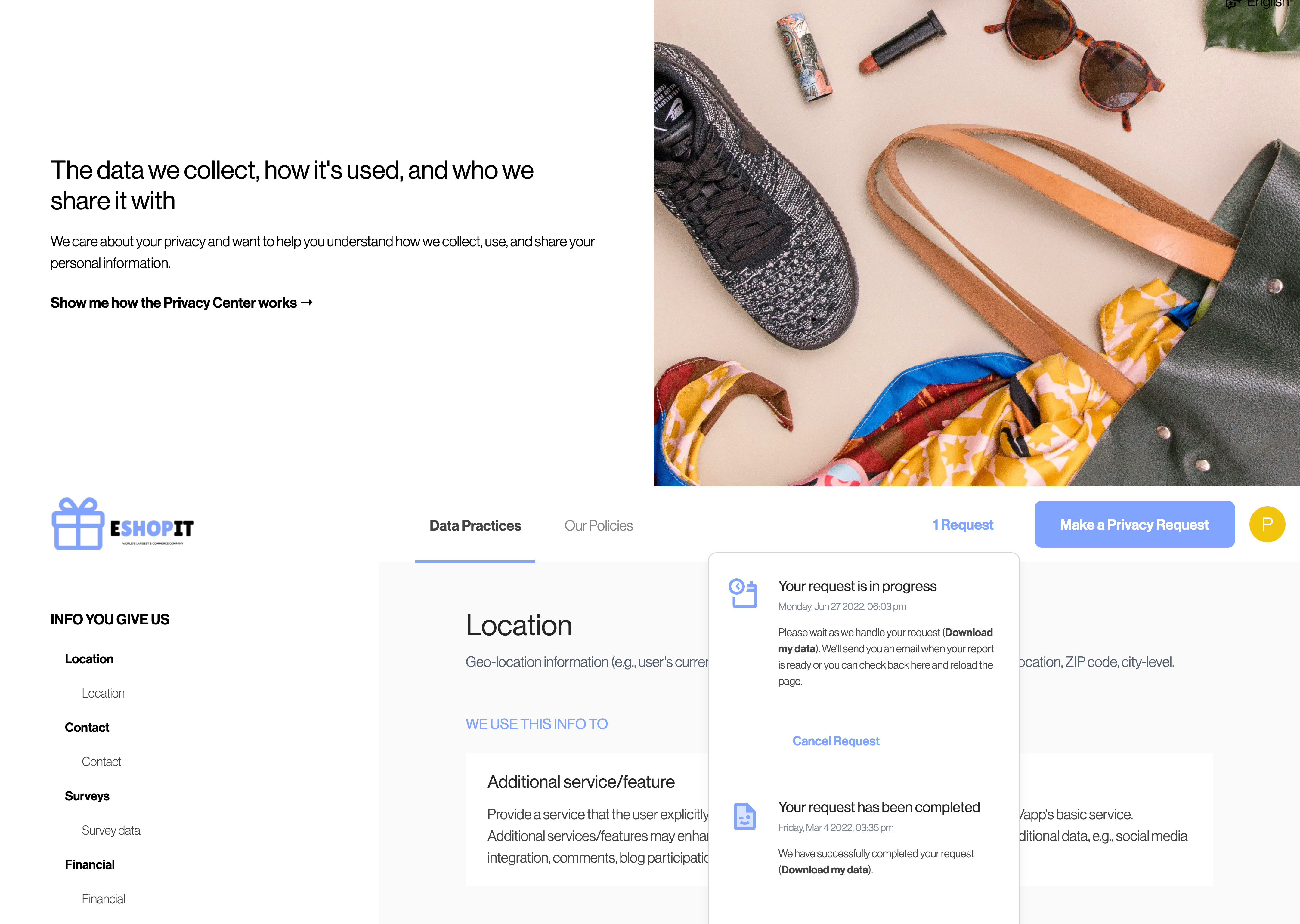
The data subject has the ability to cancel their request from the Privacy Center at any time. Erasure requests have a built in wait period that can give the data subject a chance to cancel their account closure.
## Downloading of a Data Subject Access Request [#downloading-of-a-data-subject-access-request]
When the end user makes a request to download their information, they data subject will be redirected back to the Privacy Center to download that zip archive.
The end-user will receive an email with a link to the Privacy Center.
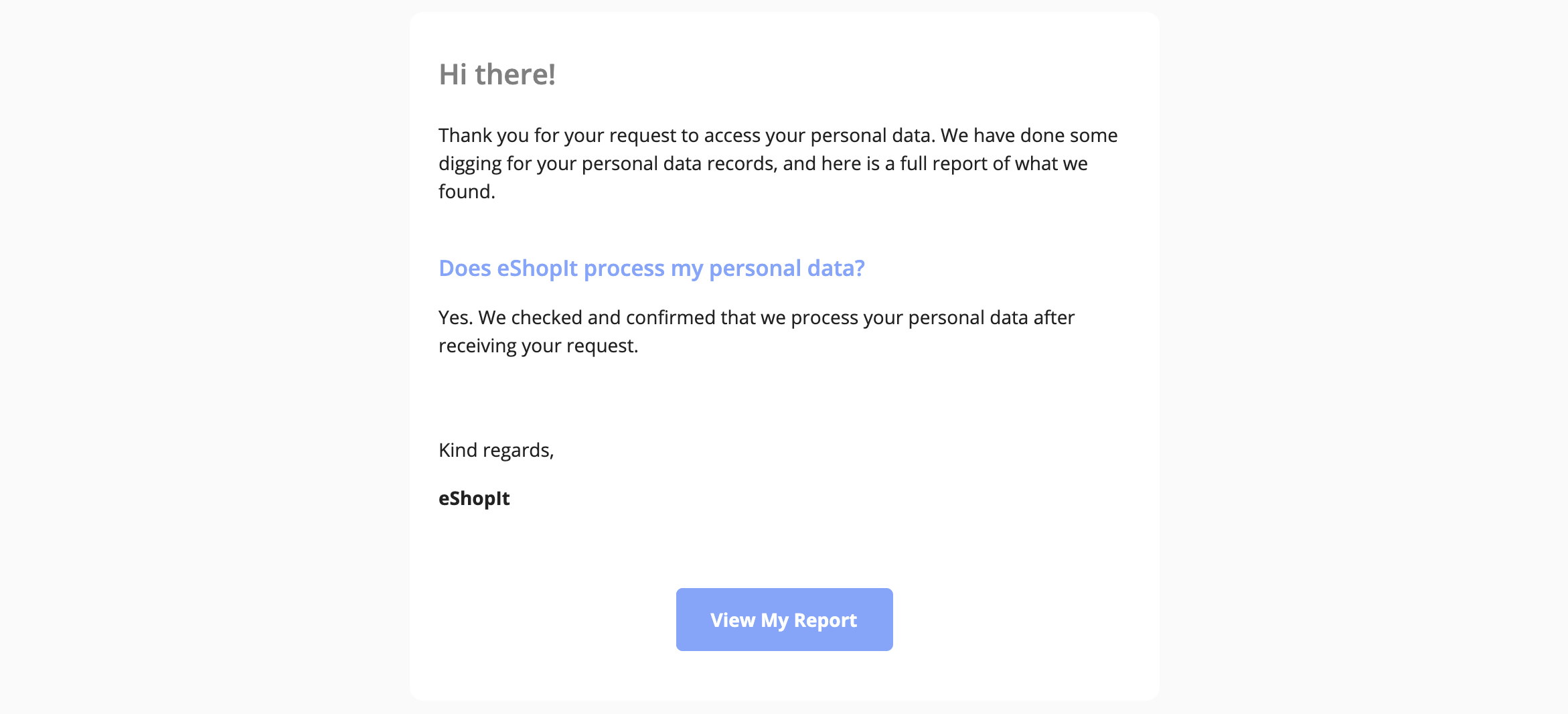
The data subject can view their data from your Privacy Center. _You can try a live demo by submitting a "Download my data" request https\://e-shop-it.trsnd.co._
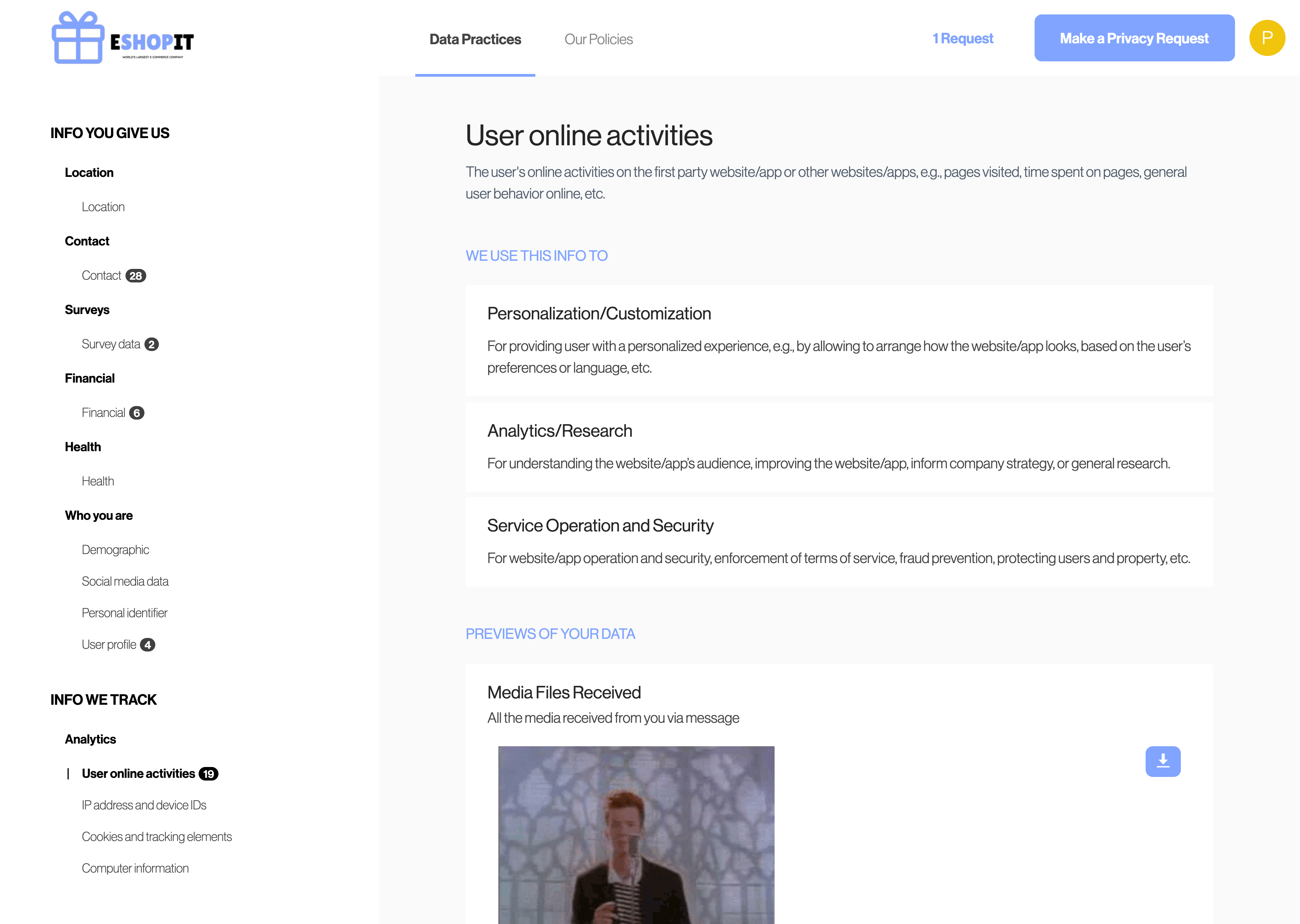
They may also download their raw data with an offline HTML report.
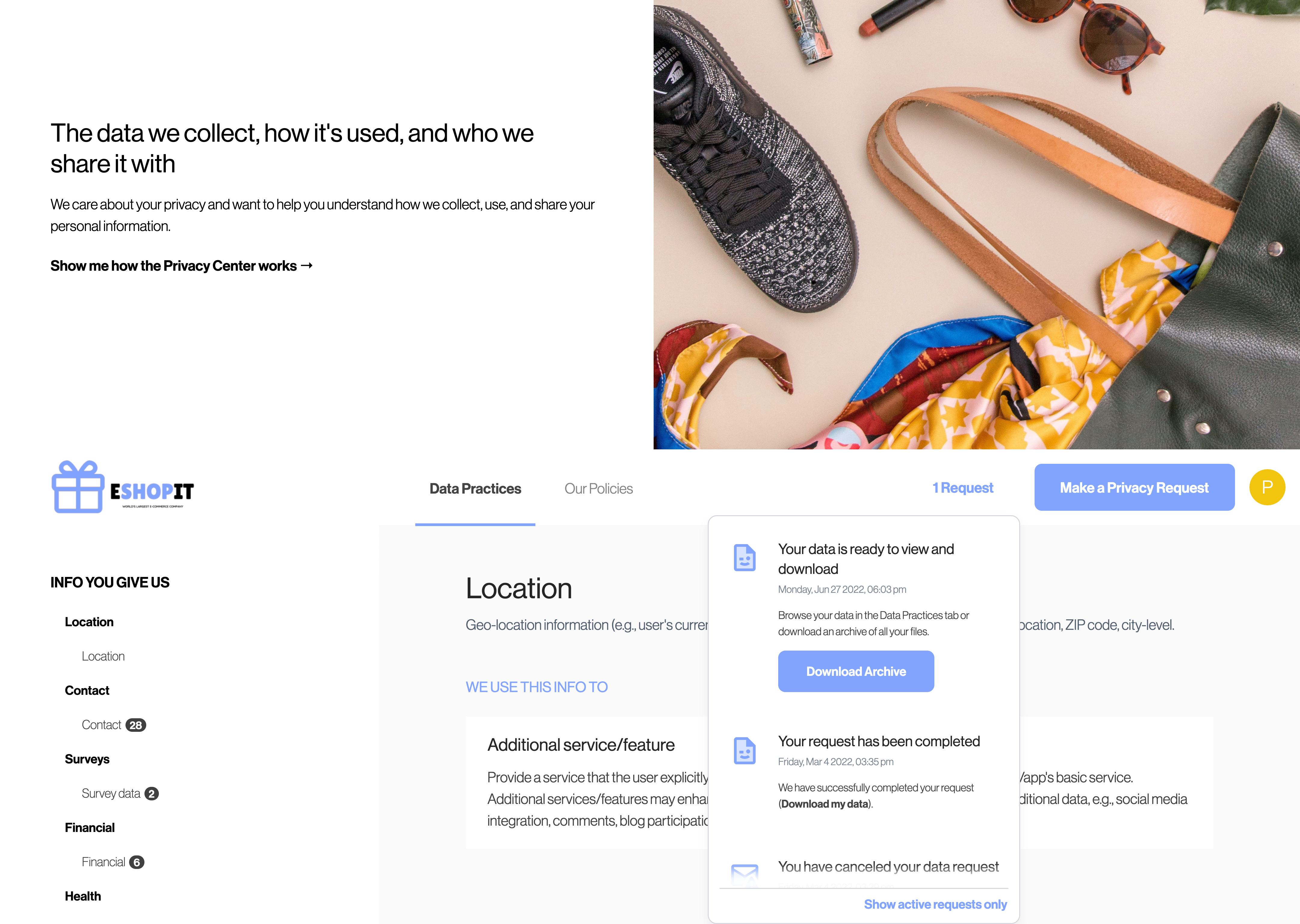
Here is an [example of an Access Request Zip file](https://misc-assets-transcend.s3.us-east-1.amazonaws.com/Transcend-export.zip), with test data from Transcend, including data from Integration to service such as Amplitude, Customer.io, Salesforce, Salesforce Pardot, SendGrid, Sendoso, and Zendesk.