Assigning and Publishing Experiences
Learn how to assign, publish, and deploy Consent Experiences.
Assigning an Experience to a Region
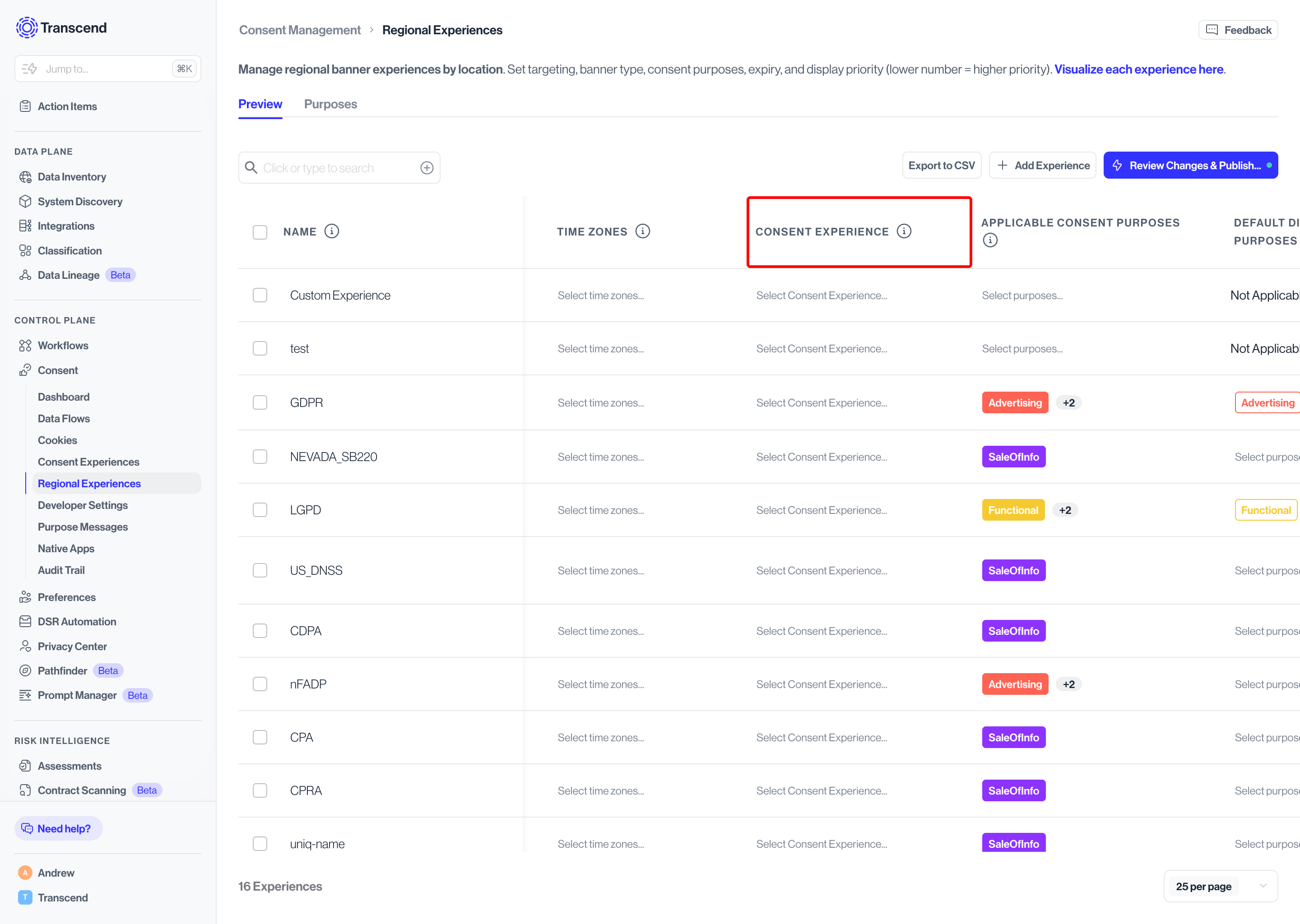
- In the left navigation, go to Consent Management → Regional Experiences.
- You'll see a table listing all your configured regional experiences (e.g., GDPR, CPRA, CDPA)
- In the Consent Experience column, click Select Consent Experience for the region you want to configure and choose your experience from the dropdown.
- Ensure the selected experience is in active state as only experiences with Active state will be published and shown in the list.
Active status tip
You can assign an experience to a region at any stage, but only experiences in Active status will go live to end users when you publish.
Publishing
Once your experience is configured, themed, and assigned to a regional experience, you're ready to go live.
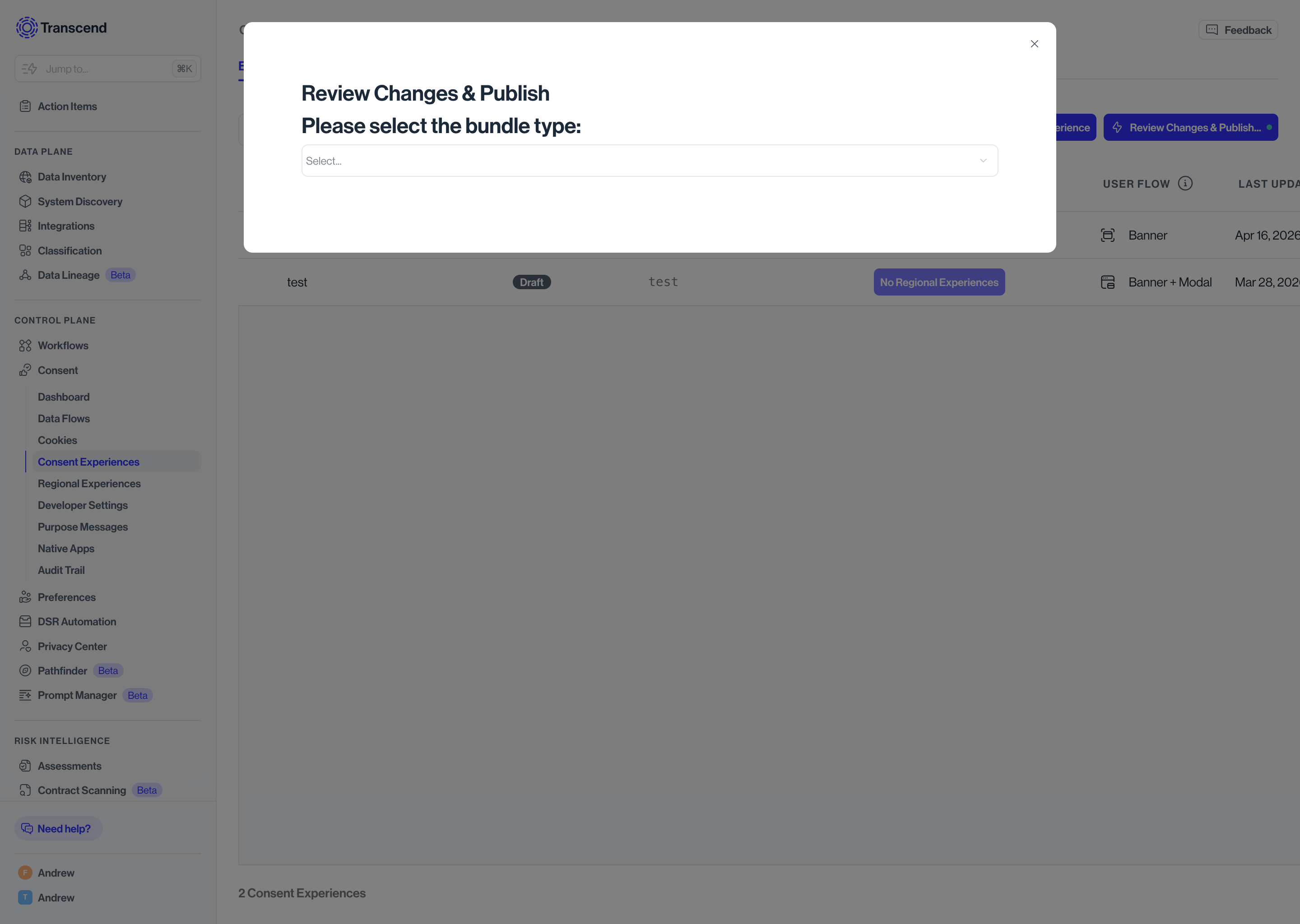
- Click Review Changes & Publish in the top right corner of any page within Consent Experiences.
- Select your bundle type from the dropdown:
- Test - Deploys to your test environment, if applicable. Use this to validate how your experience looks and behaves before pushing to production.
- Production - Deploys to your live site and makes the experience visible to real end users.
- Click Deploy Changes to publish.