Privacy Preference Center
Utilize the Privacy Center to enable users to update their consent and marketing preferences
Overview
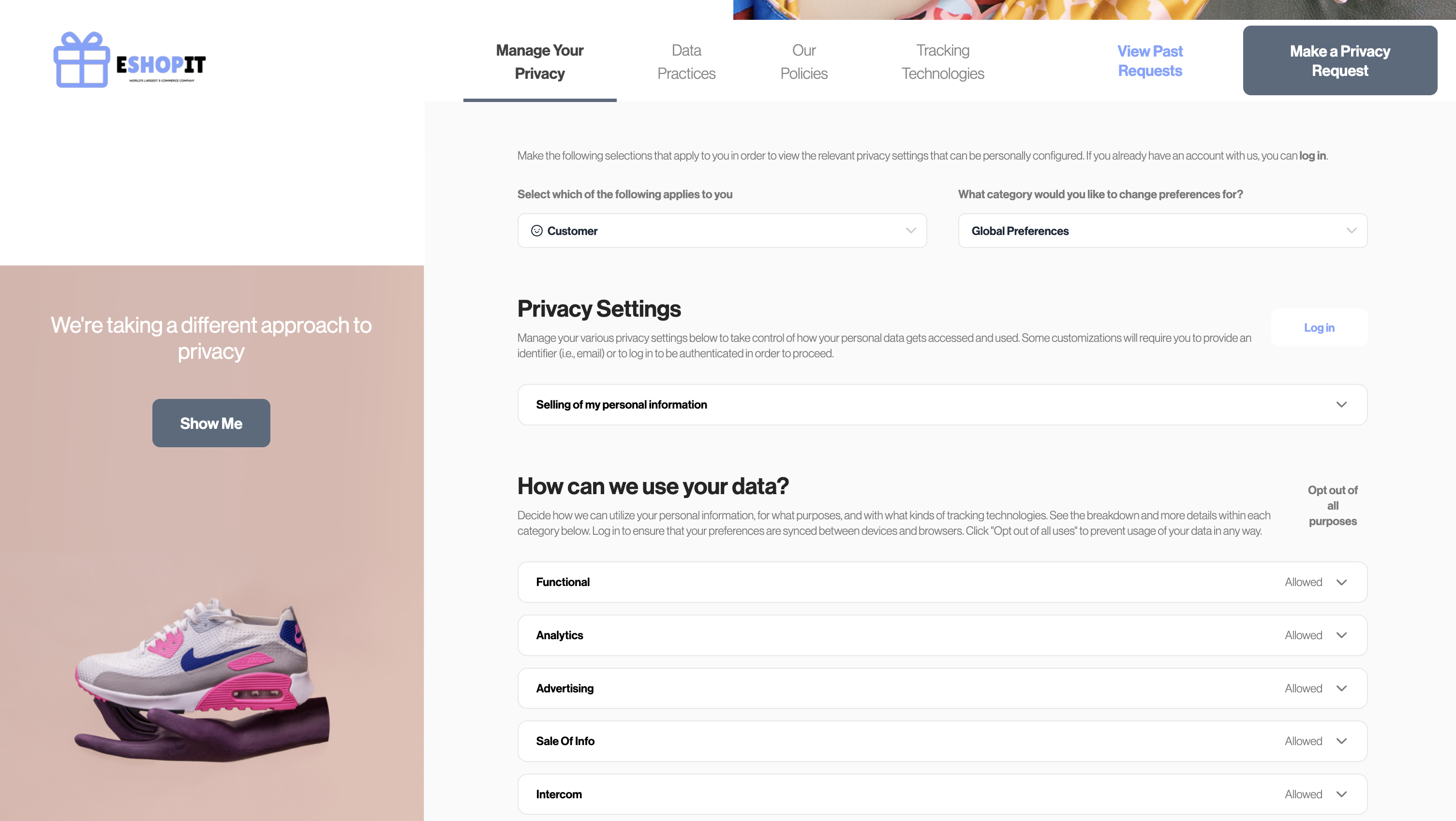
The Privacy Preference Center empowers users to control their preferences, including consent and marketing choices. It also provides an option for unauthenticated/anonymous users to opt-out of "Do Not Sell My Personal Information" (DNSMPI) to comply with CPRA.
Prerequisites
Before you start, make sure you have the following prerequisites in place:
- Enable Preference Store.
- If you are self-hosting Sombra, please refer to the Preference Management documentation for a detailed guide.
- If you are using Transcend-hosted Sombra, refer to the following section to enable this feature.
- Your consent manager's allowed domains list must include your Privacy Center domain. This is already true if your Privacy Center is on a subdomain of your primary domain (e.g.
privacy.your-site.example)
Setup Guide
Do Not Sell My Personal Information (DNSMPI)
Self-Hosted Sombra
If you're self-hosting Sombra, ensure that your instances are updated to version v7.197.0 or higher. Additionally, configure the environment variable ALLOW_UNAUTHENTICATED_PREFERENCE_UPDATES to true. This setting will enable anonymous users to opt-out of sale of personal infromation.
Multi-Tenant Sombra
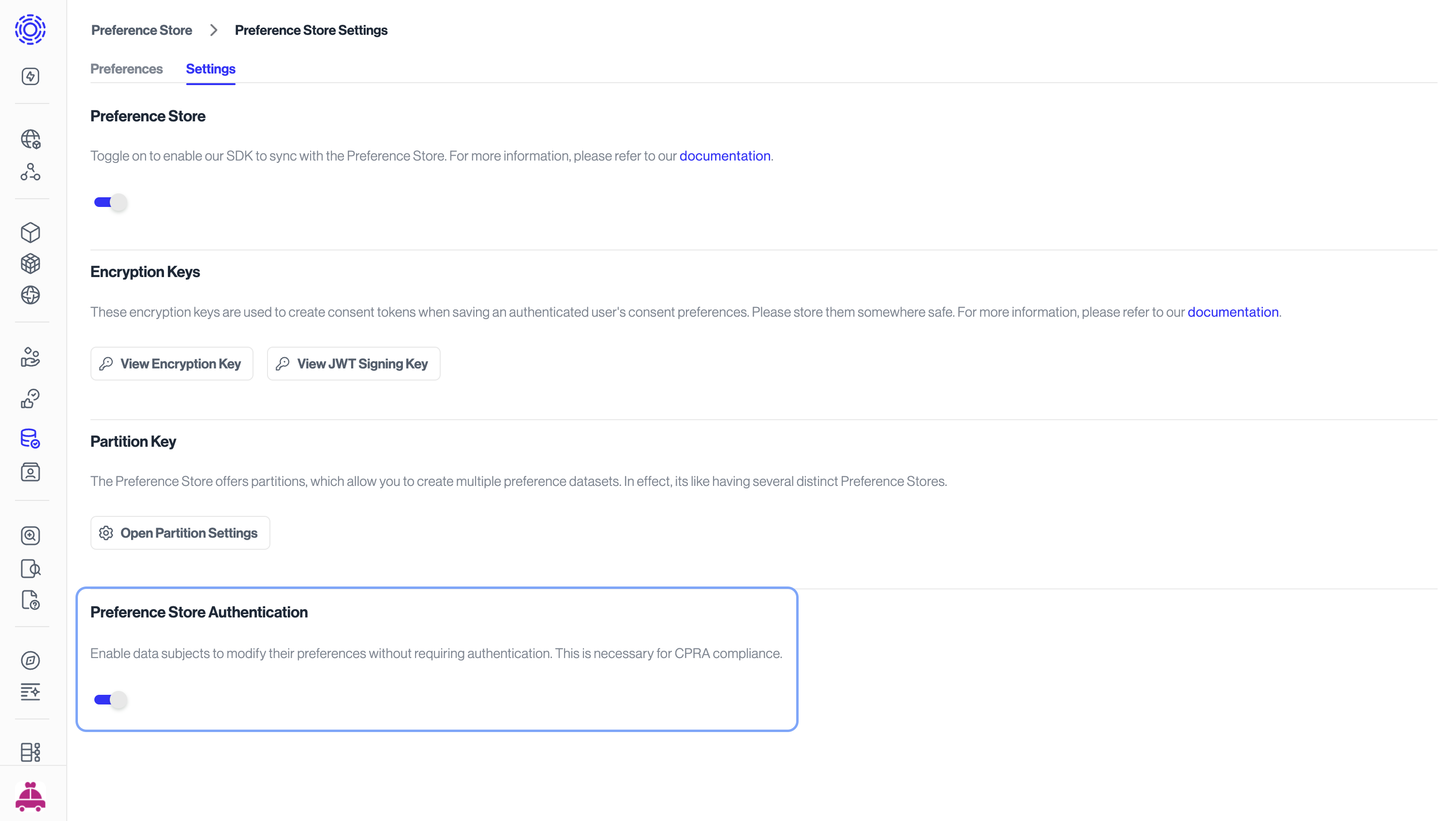
If you are using Transcend-hosted Sombra, you can enable this configuration in Preference Management settings.
Update Privacy Center configuration and publish
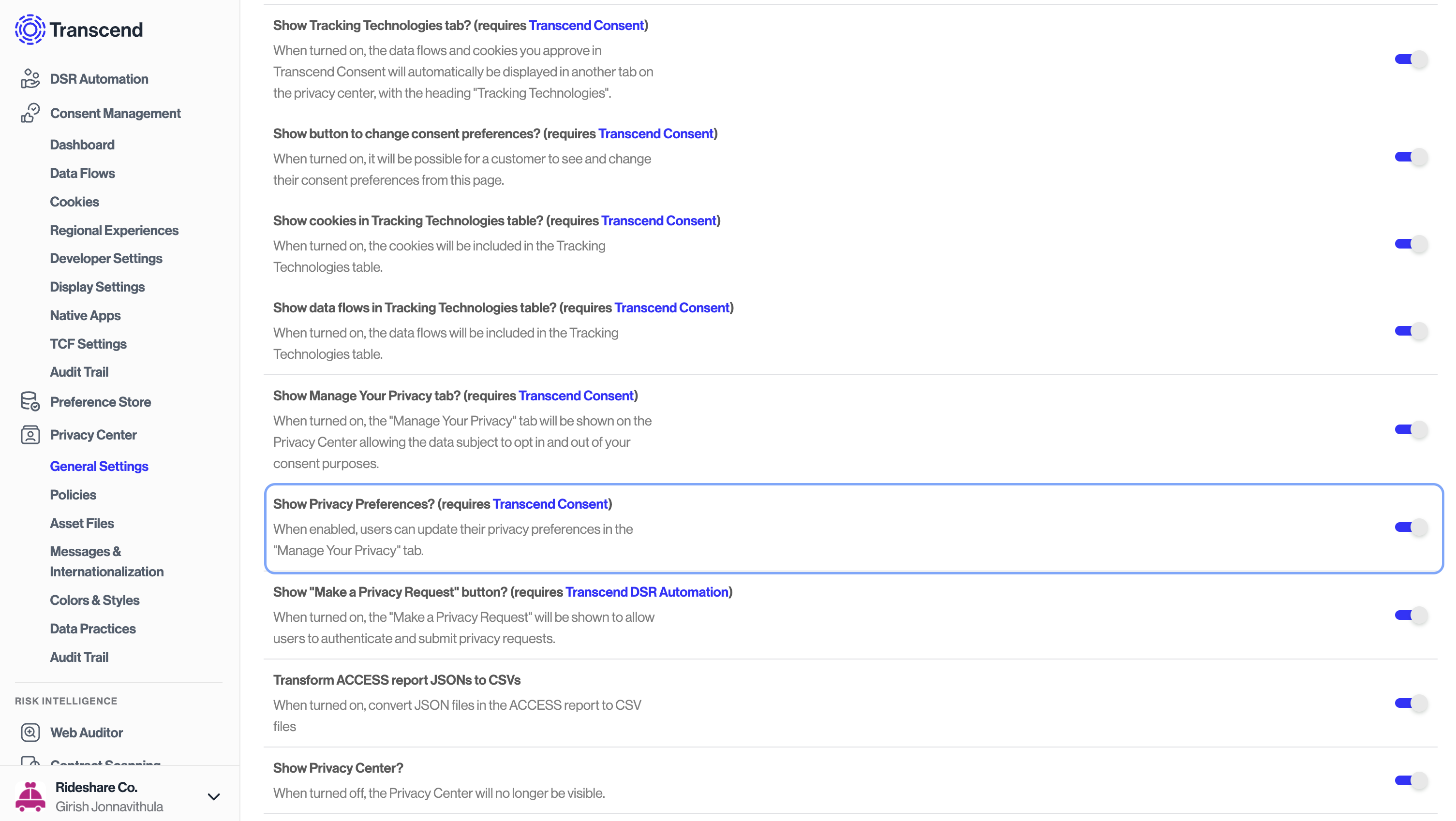
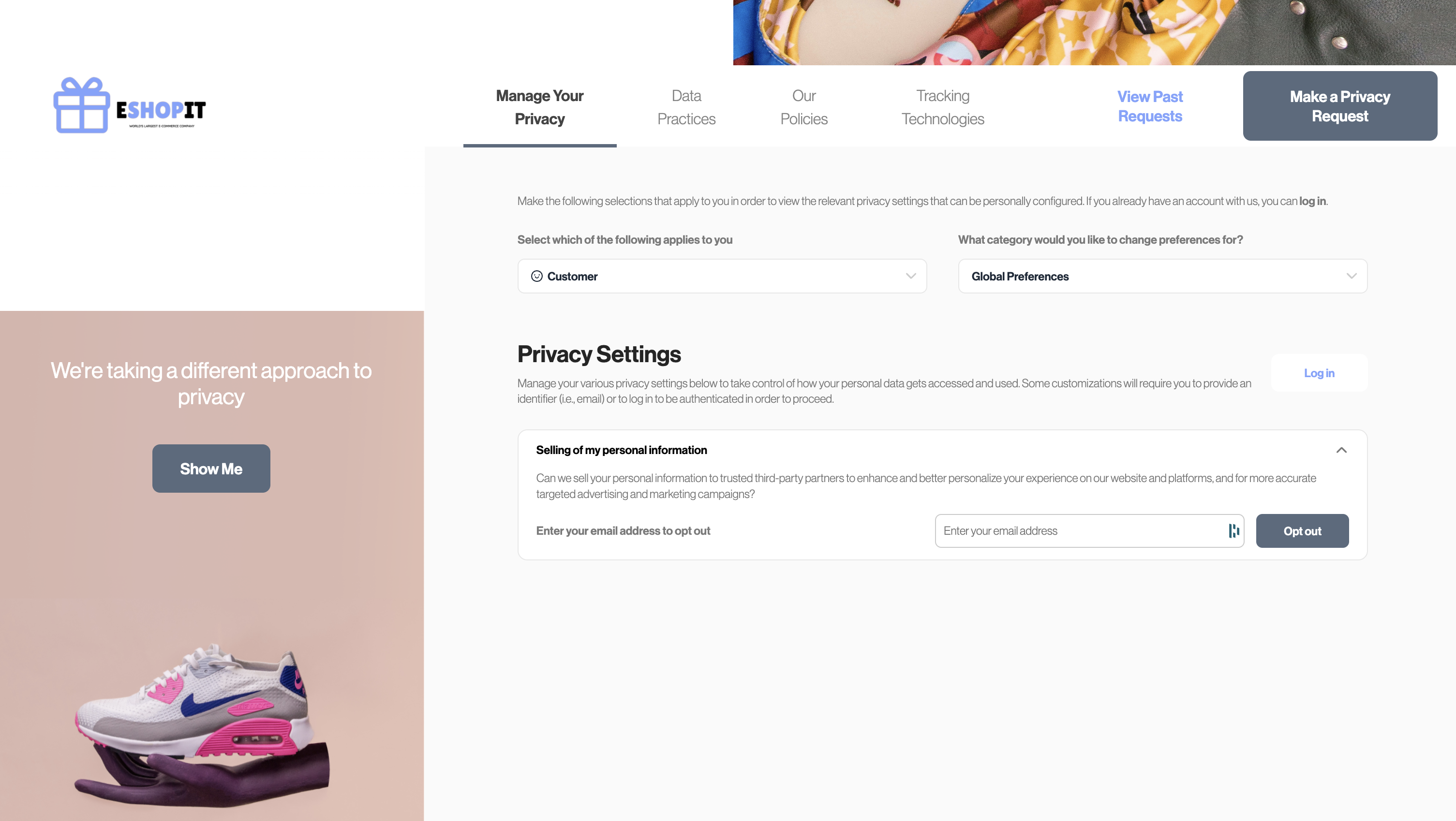
To enable the Privacy Preference center, update the Privacy Center configuration to include Show Manage your privacy tab, under Privacy Center > General Settings on the Admin Dashboard. Once you've updated the configuration, publish the changes to make them live.
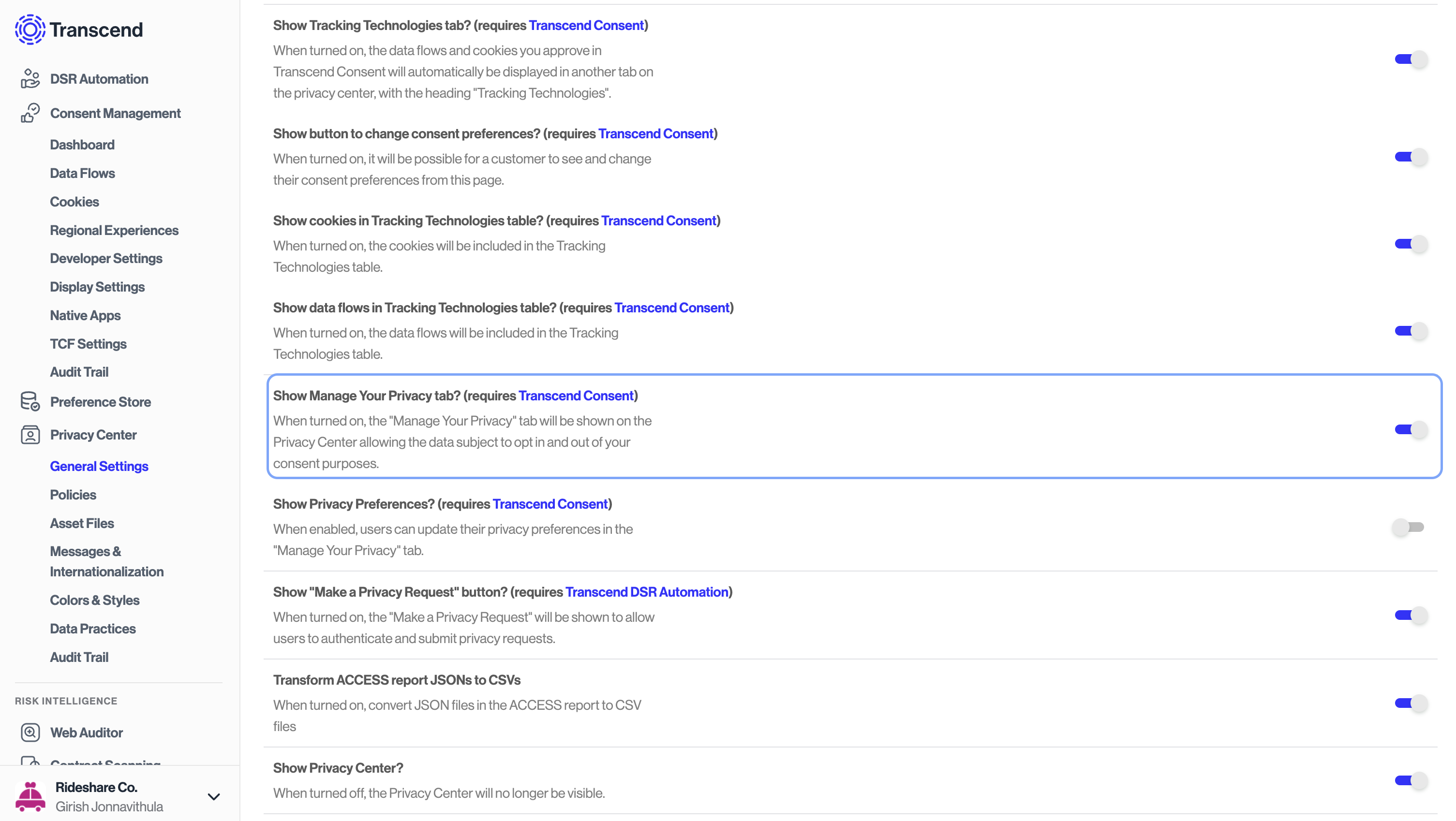
Once these steps are completed, users will see the Manage your privacy tab on the Privacy Center. This tab will allow users to opt-out of sale of personal information. Once a user opts out, their preference will be stored in the Preference Store and a DSR workflow will be triggered.
Consent and Marketing Preferences
In addition to DNSMPI, authenticated users can manage their consent and marketing choices on the Privacy Center. To enable this feature, update the Privacy Center configuration to include Show Privacy Preferences, under Privacy Center > General Settings on the Admin Dashboard.