Self-Serve Data Subject Requests
Use the Privacy Center to receive and authenticate DSRs from users
Using the Privacy Center, you can direct your data subjects to authenticate themselves and submit data subject requests.
Submitting a request
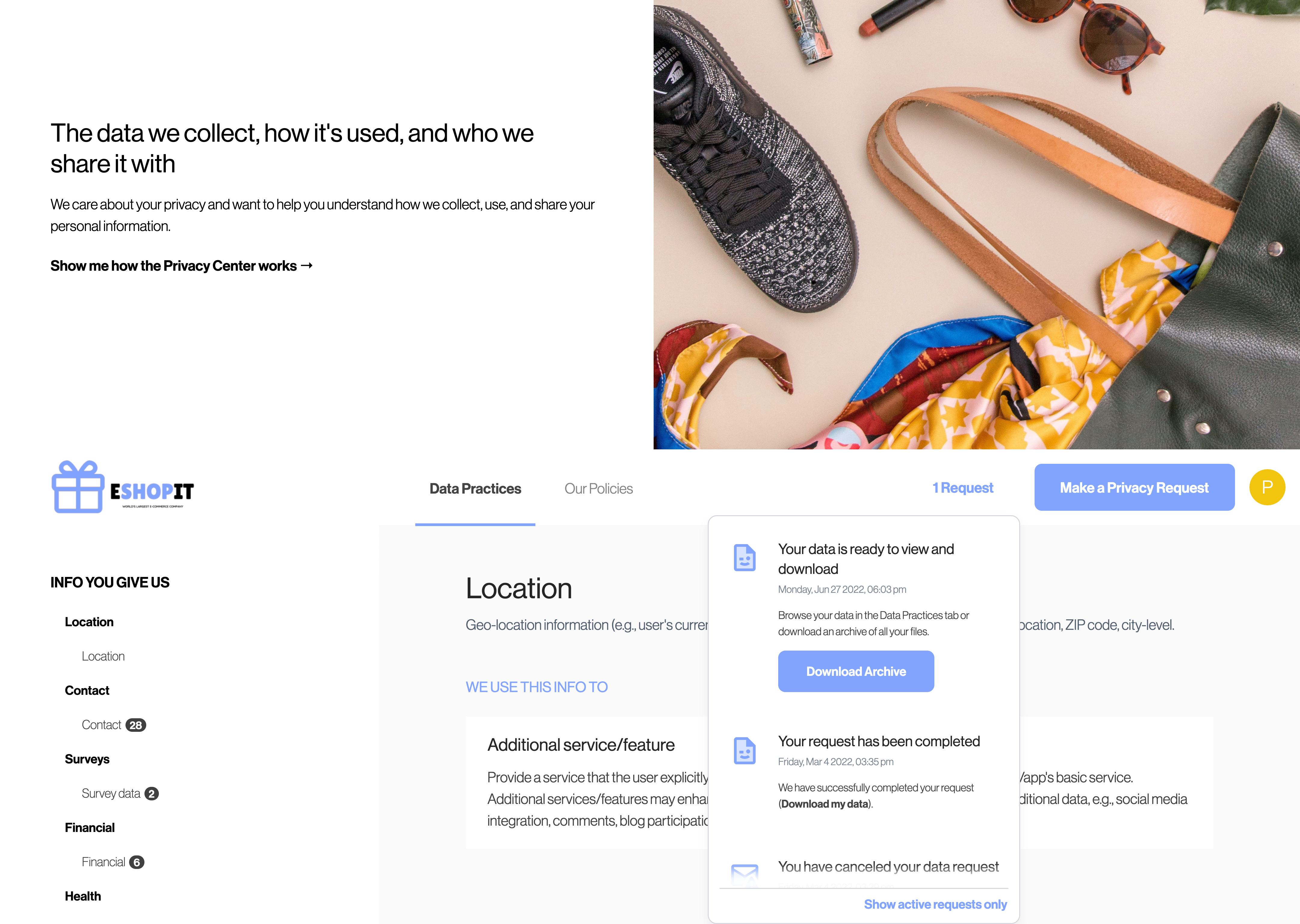
Your Privacy Center has a Make a Privacy Request button where the data subject can select what type of request they would like to make.
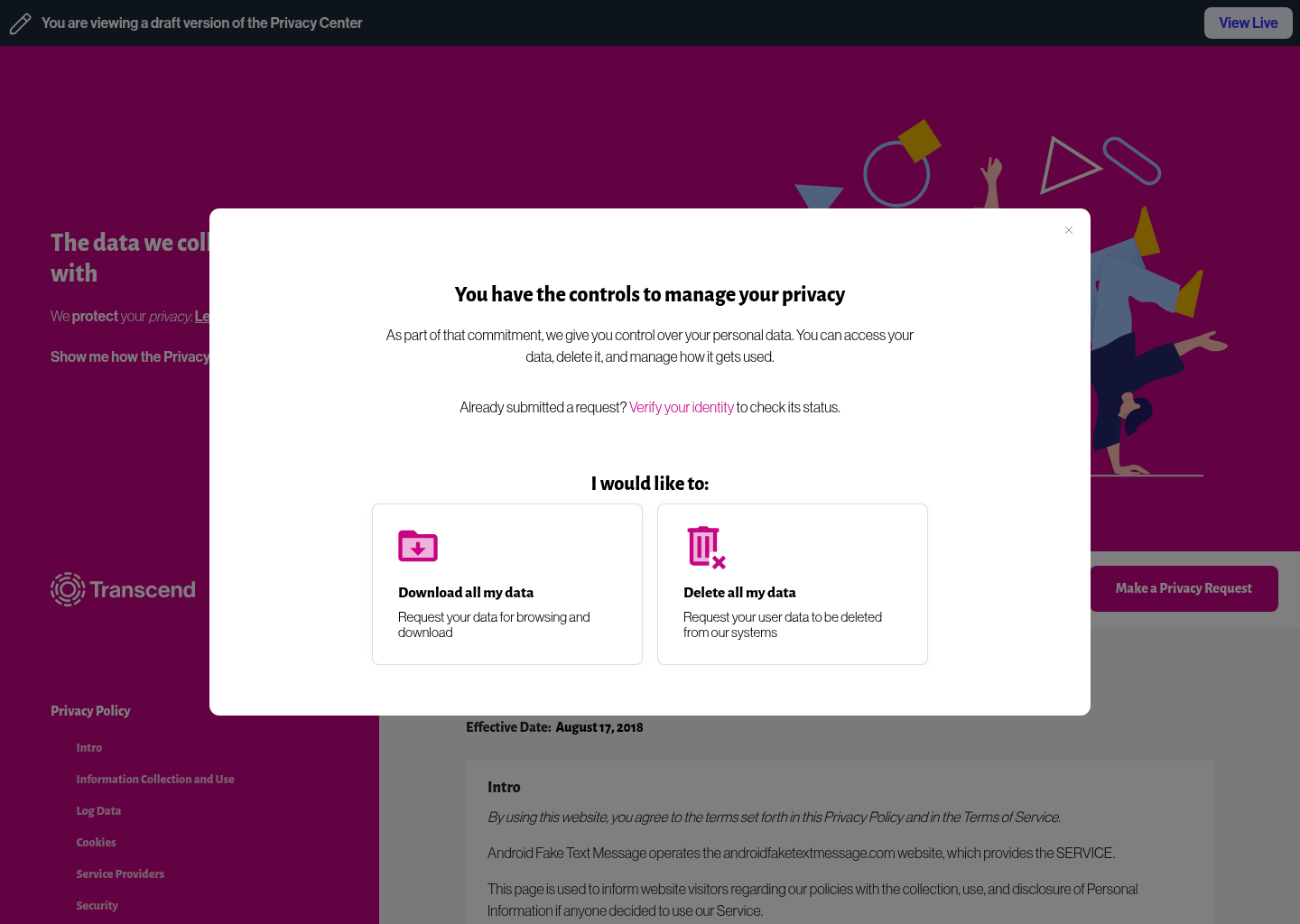
You can configure different verification methods to verify the identity of the individual making the request. To configure one, see Set Up Privacy Center Login. Read more about configuration options in the data subjects and data actions section.
There are multiple ways to receive Data Subject Requests
In addition to the self-serve Privacy Center, you can also submit requests programmatically through our API, or an administrator can do so manually on the Admin Dashboard.
If you want to allow someone to submit a request on behalf of a data subject, see Authorized Agent Requests.
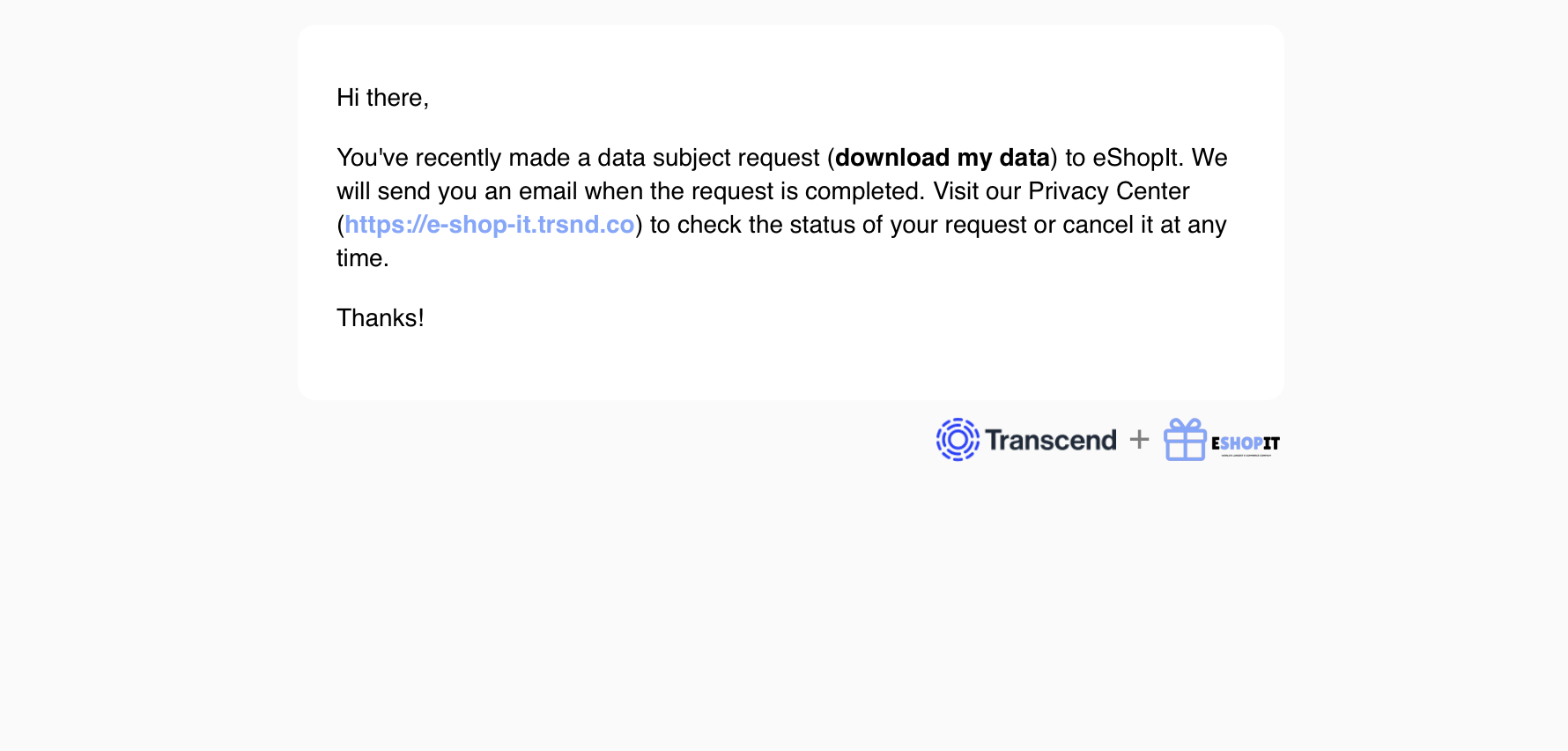
Email updates
By default, the data subject receives a confirmation email when they submit a request. As the request is processed, the data subject can receive transactional emails about the progress of the request. To turn the confirmation email off for a request type, see Configure Self-Serve Request Settings.
All email templates can be customized. See more in the Email templates section.
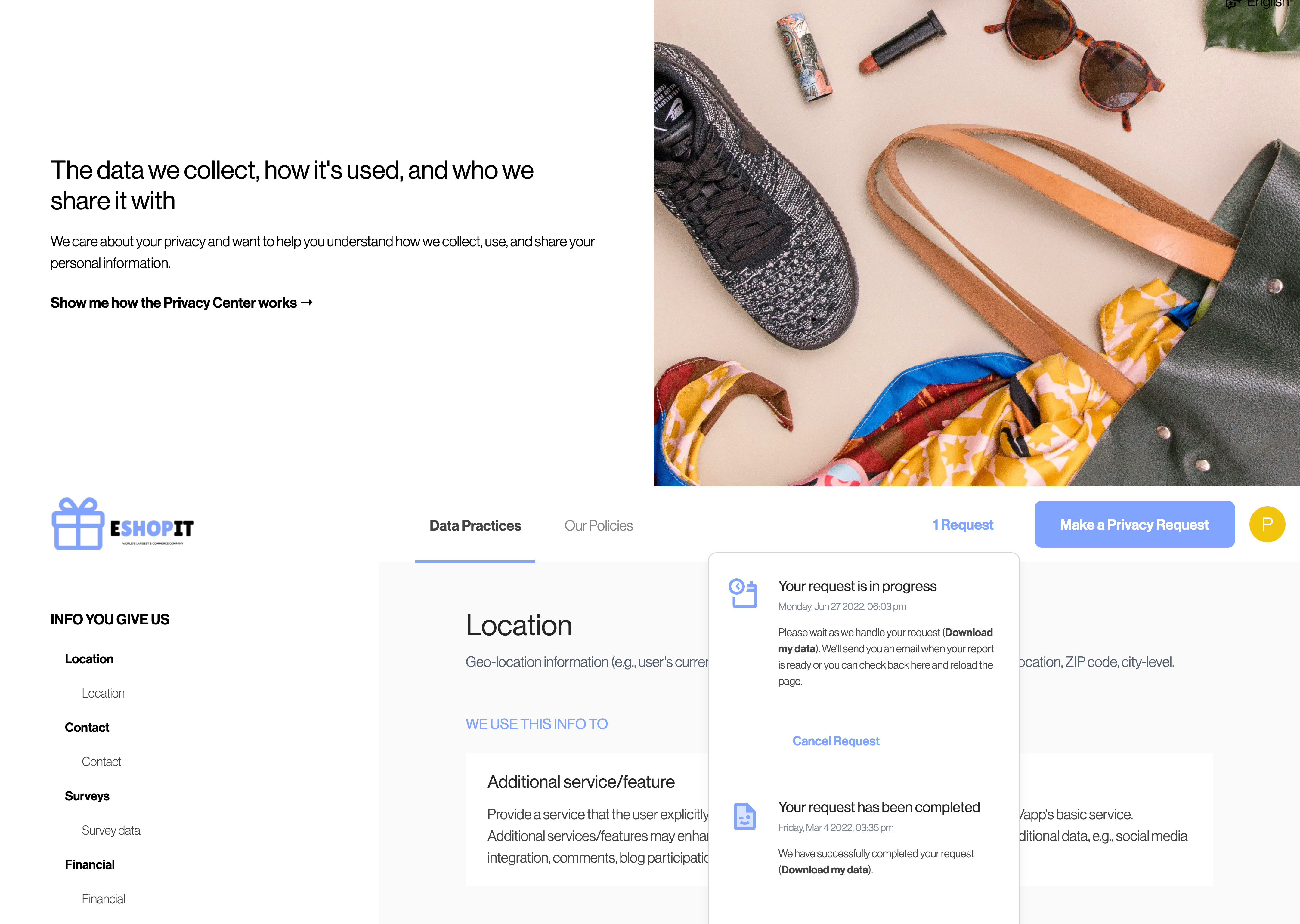
Canceling a request
The data subject can cancel their request from the Privacy Center while Transcend is still verifying, compiling, or reviewing it. They cannot cancel a request that is on hold, already removing data, or completed. Erasure requests have a built-in wait period that gives the data subject a chance to cancel their account closure. To change it, see Configure a Waiting Period.
Downloading an access request
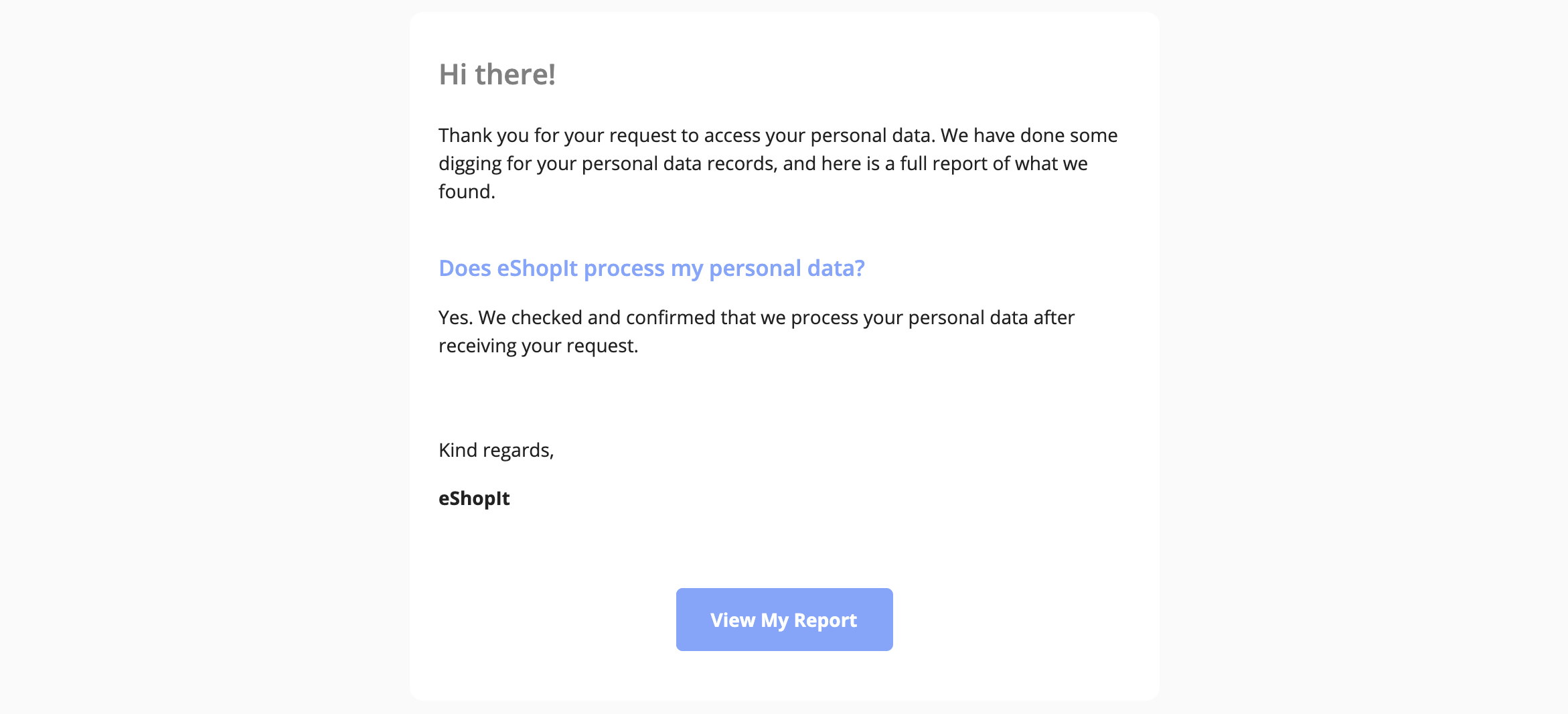
When the data subject makes a request to download their information, they are redirected back to the Privacy Center to download that zip archive.
The data subject receives an email with a link to the Privacy Center.
You can try a live demo by submitting a "Download my data" request at https://e-shop-it.trsnd.co.
The data subject can download their raw data with an offline HTML report.
Here is an example of an Access Request Zip file, with test data from Transcend, including data from integrations with services such as Amplitude, Customer.io, Salesforce, Salesforce Pardot, SendGrid, Sendoso, and Zendesk.