Multiple Sombra Clusters
An overview of how to use multiple Sombra clusters
Most customers only need to deploy one Sombra cluster. However, there are cases where it makes sense to deploy multiple clusters:
- If your organization uses a hybrid cloud, you may wish to deploy one Sombra in each cloud environment and one Sombra in your on-prem environment
- If your organization uses multiple cloud providers, you may wish to deploy one Sombra cluster in each cloud environment.
- If your organization employs multiple VPCs that you want to keep separate, you may map one Sombra cluster to each VPC. Alternatively, you could apply VPC Network Peering to give one Sombra cluster access to resources across multiple VPCs.
Looking for auto-scaling within a cluster?
This guide is specific to deploying multiple Sombra clusters. If you are looking for information about adding additional Sombra nodes within a cluster, please refer to this guide.
How to specify your primary Sombra cluster
If you choose to deploy multiple Sombra clusters, you will need to specify the primary Sombra cluster in the Admin Dashboard. By default, your integrations will route through your primary Sombra cluster.
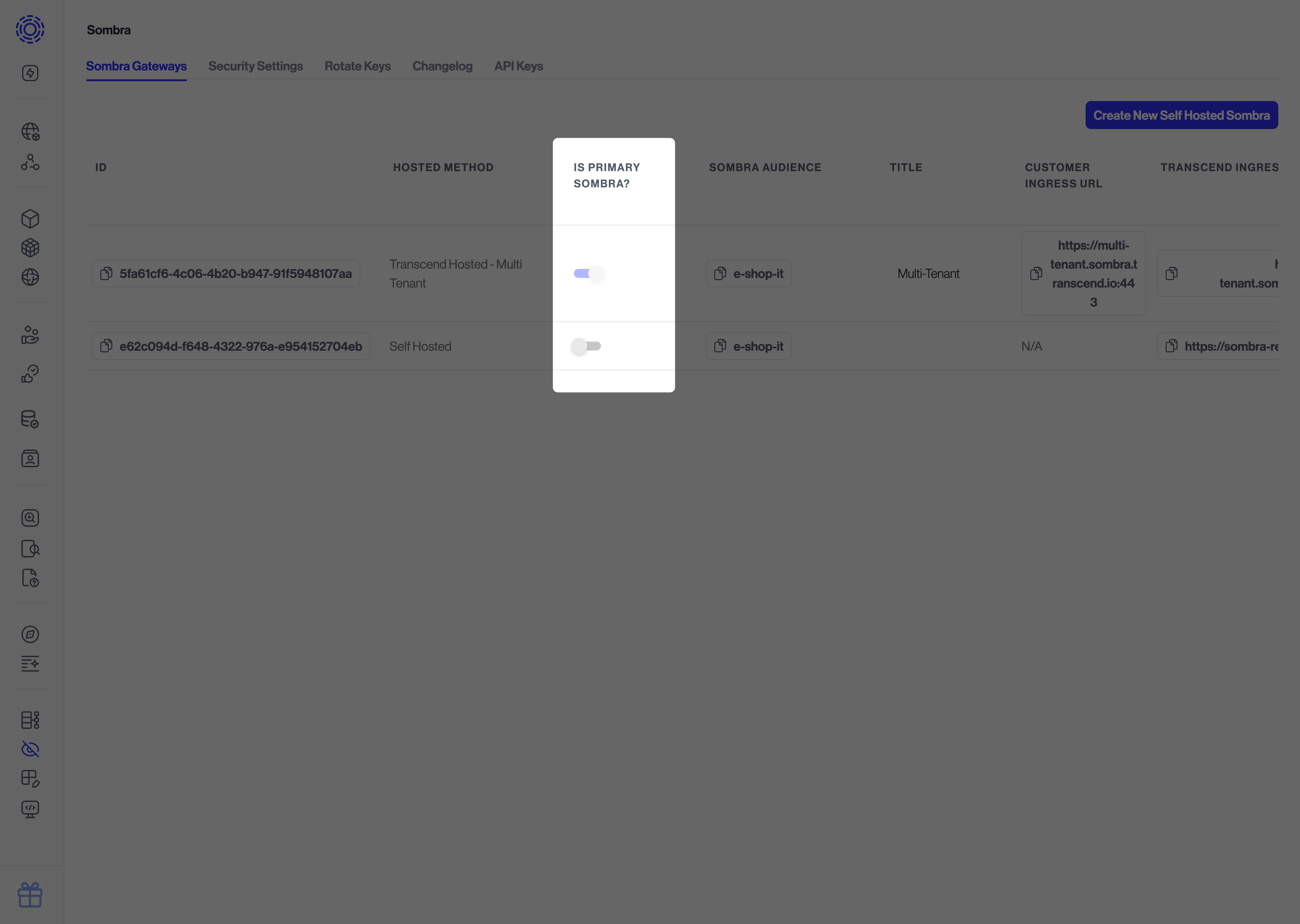
Configuration requirements for multiple Sombra setups
SOMBRA_ID
For each self-hosted Sombra cluster, you will need to retrieve the Sombra ID from the Admin Dashboard -> Sombra settings, and set the SOMBRA_ID environment variable to it within the Docker container that is running Sombra.
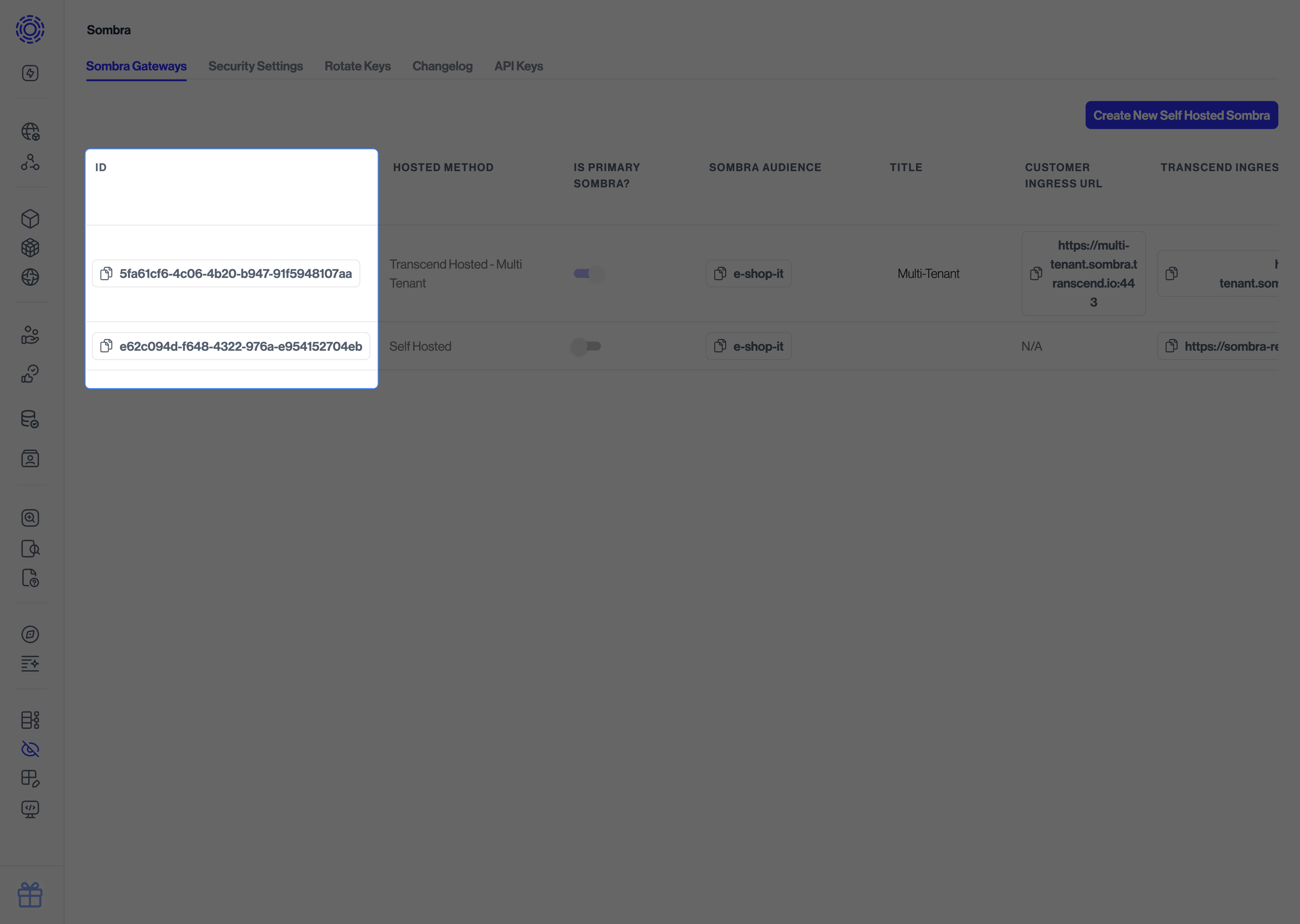
JWT_ECDSA_KEY
The environment variable JWT_ECDSA_KEY should be set to the same value for each Sombra cluster.
CONSENT_IDENTIFIER_ENCRYPTION_KEY
If you use Preference Management across multiple Sombra clusters, the environment variable CONSENT_IDENTIFIER_ENCRYPTION_KEY should be set to the same value for each Sombra cluster. This key encrypts and decrypts consent identifiers; mismatched keys prevent Sombra from decrypting identifiers when querying preferences. See Consent Identifier Encryption Key for details.
Specifying which integrations route to different Sombra Gateways
In the Admin UI, use the Associated Integrations dropdown in the Admin Dashboard to select which integrations should route to your non-primary Sombra cluster(s).
Alternatively, you can specify which Sombra cluster each integration should route through using the sombra_id parameter in Terraform. The value for sombra_id can be obtained in the Admin Dashboard.