MongoDB Integration Connection Guide
Data discovery and DSR automation in MongoDB
Overview
Transcend maintains an integration for MongoDB databases that supports Structured Discovery and DSR Automation functionality, allowing you to:
- Scan your database to identify datapoint that contain personal information
- Programmatically classify the data category and storage purpose of datapoints
- Define and execute DSRs directly against your database
Connecting a MongoDB Database
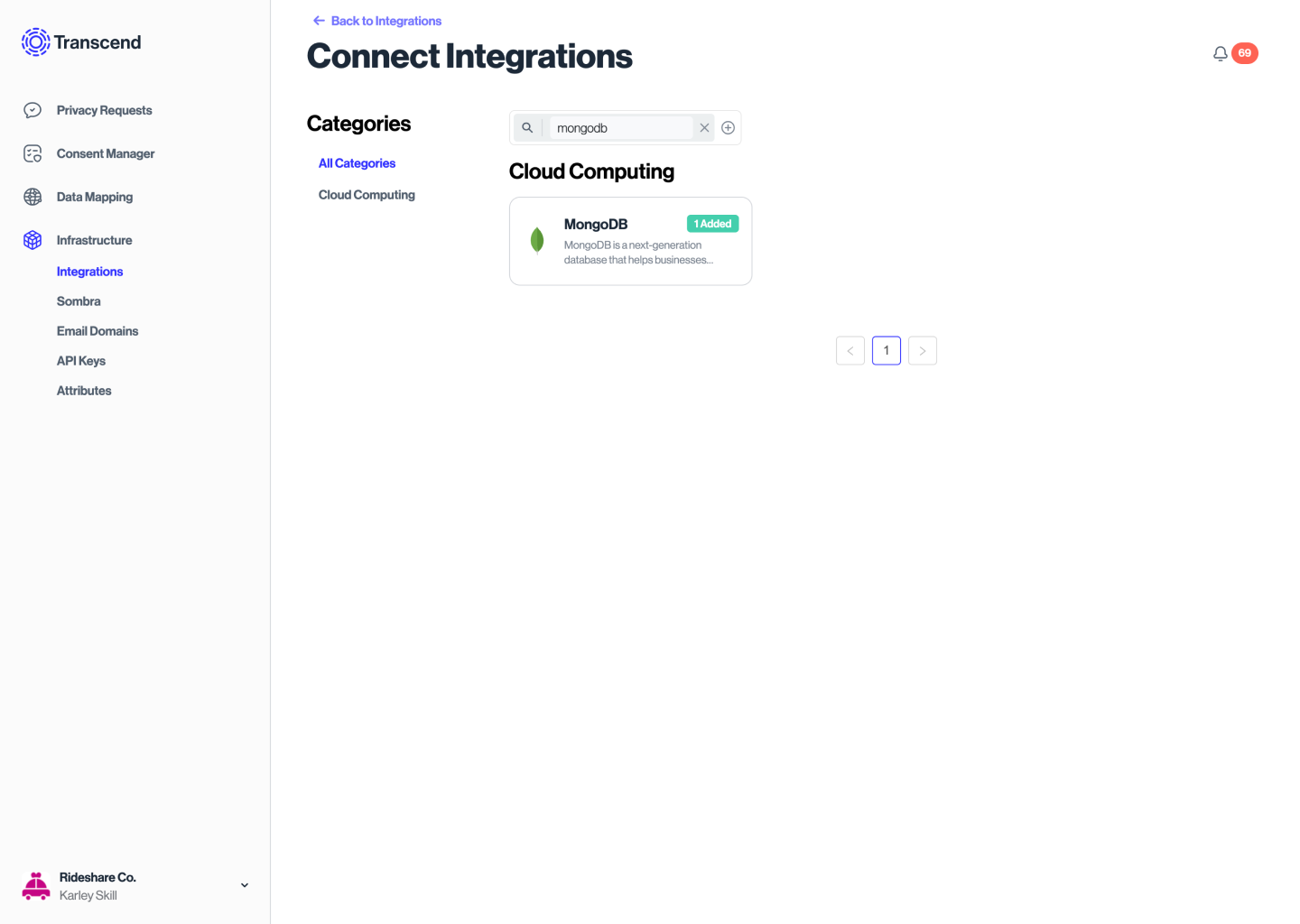
The first step to connecting a MongoDB database to Transcend is to add a MongoDB integration.
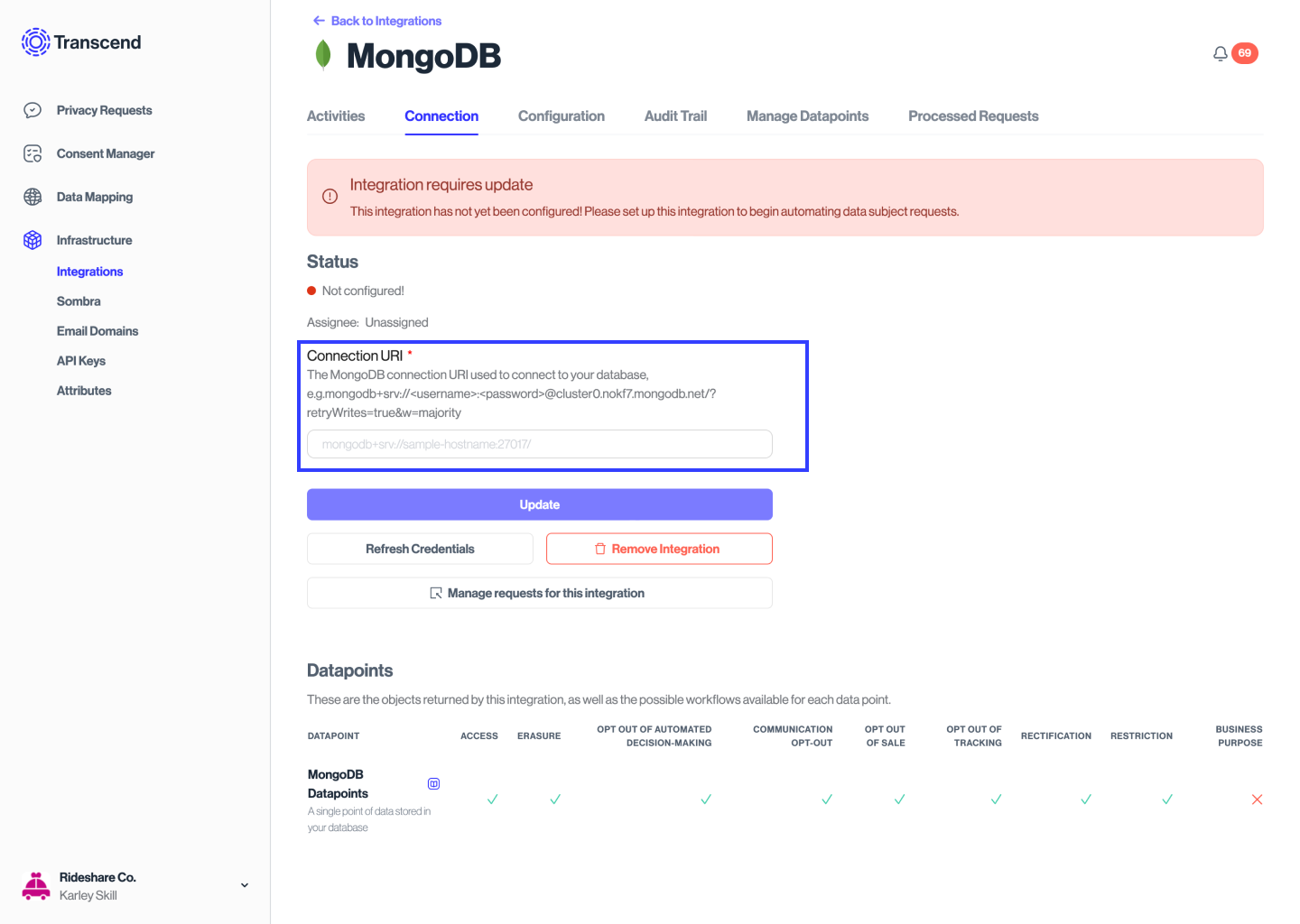
The database is connected with a URI connection string in the standard connection string format. If you are using MongoDB Atlas, you can use the instructions here to get a connection string. Alternatively, you can manually construct a connection string using this format.
Enter the connection string into the Integration Connection Form in Transcend and select Connect.
Additional Guides
- MongoDB Integration Setup for Structured Discovery
- MongoDB Integration DSR Automation Configuration