Assigning and Publishing Experiences
- In the left navigation, go to Consent Management → Regional Experiences.
- You'll see a table listing all your configured regional experiences (e.g., GDPR, CPRA, CDPA)
- In the Consent Experience column, click Select Consent Experience for the region you want to configure and choose your experience from the dropdown.
- Ensure the selected experience is in active state as only experiences with Active state will be published and shown in the list.
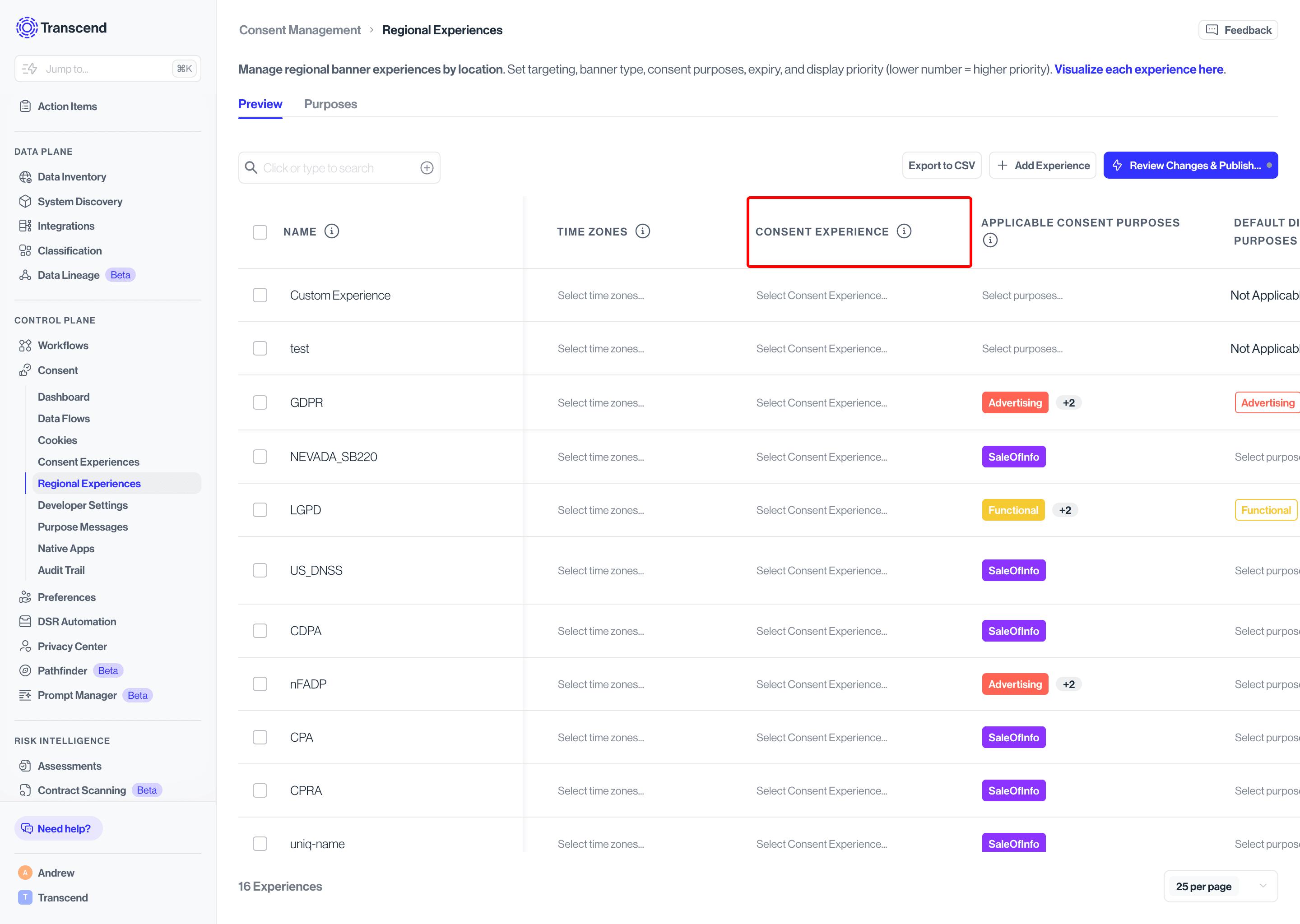
You can assign an experience to a region at any stage, but only experiences in Active status will go live to end users when you publish.
Once your experience is configured, themed, and assigned to a regional experience, you're ready to go live.
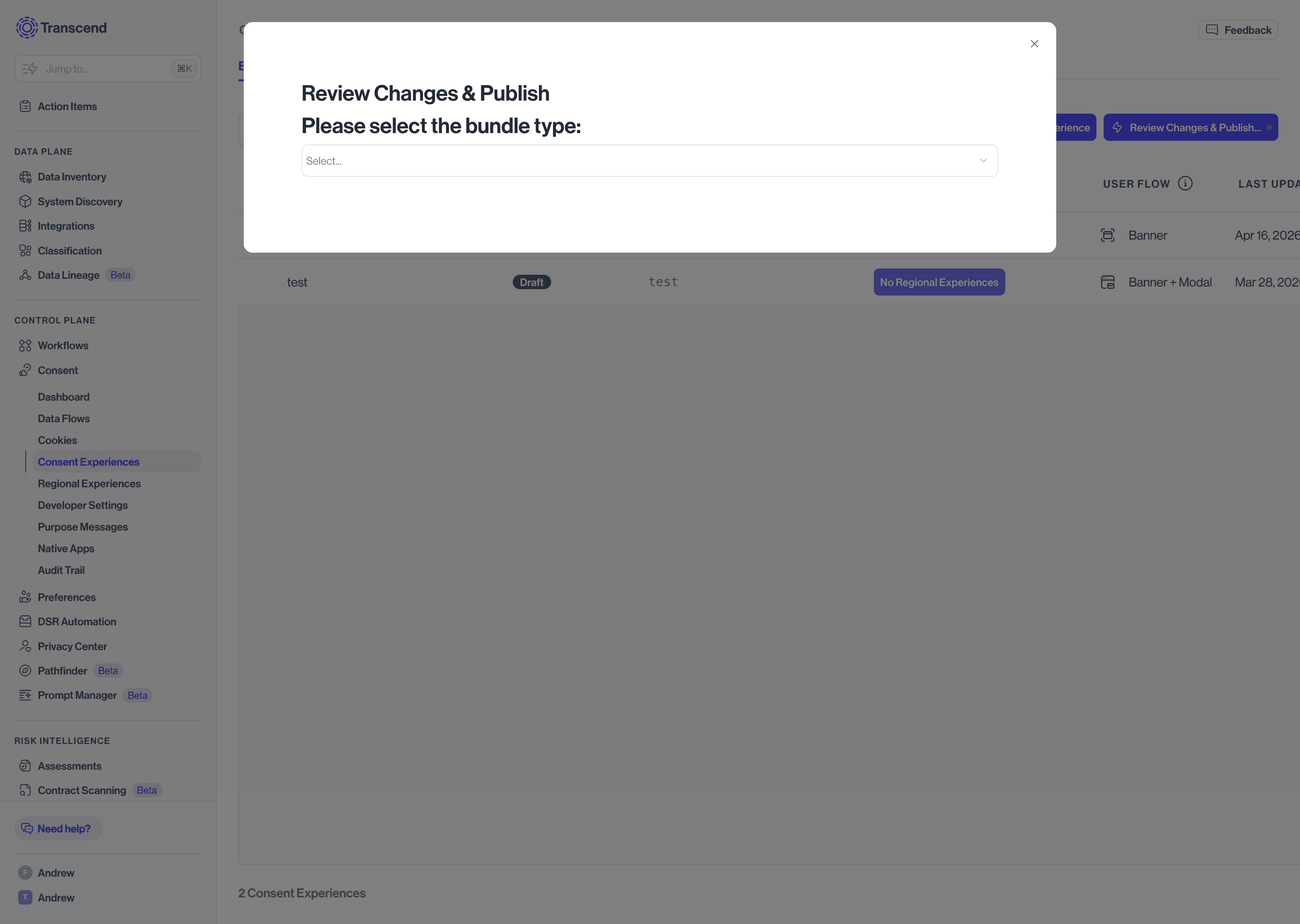
- Click Review Changes & Publish in the top right corner of any page within Consent Experiences.
- Select your bundle type from the dropdown:
- Test - Deploys to your test environment, if applicable. Use this to validate how your experience looks and behaves before pushing to production.
- Production - Deploys to your live site and makes the experience visible to real end users.
- Click Deploy Changes to publish.